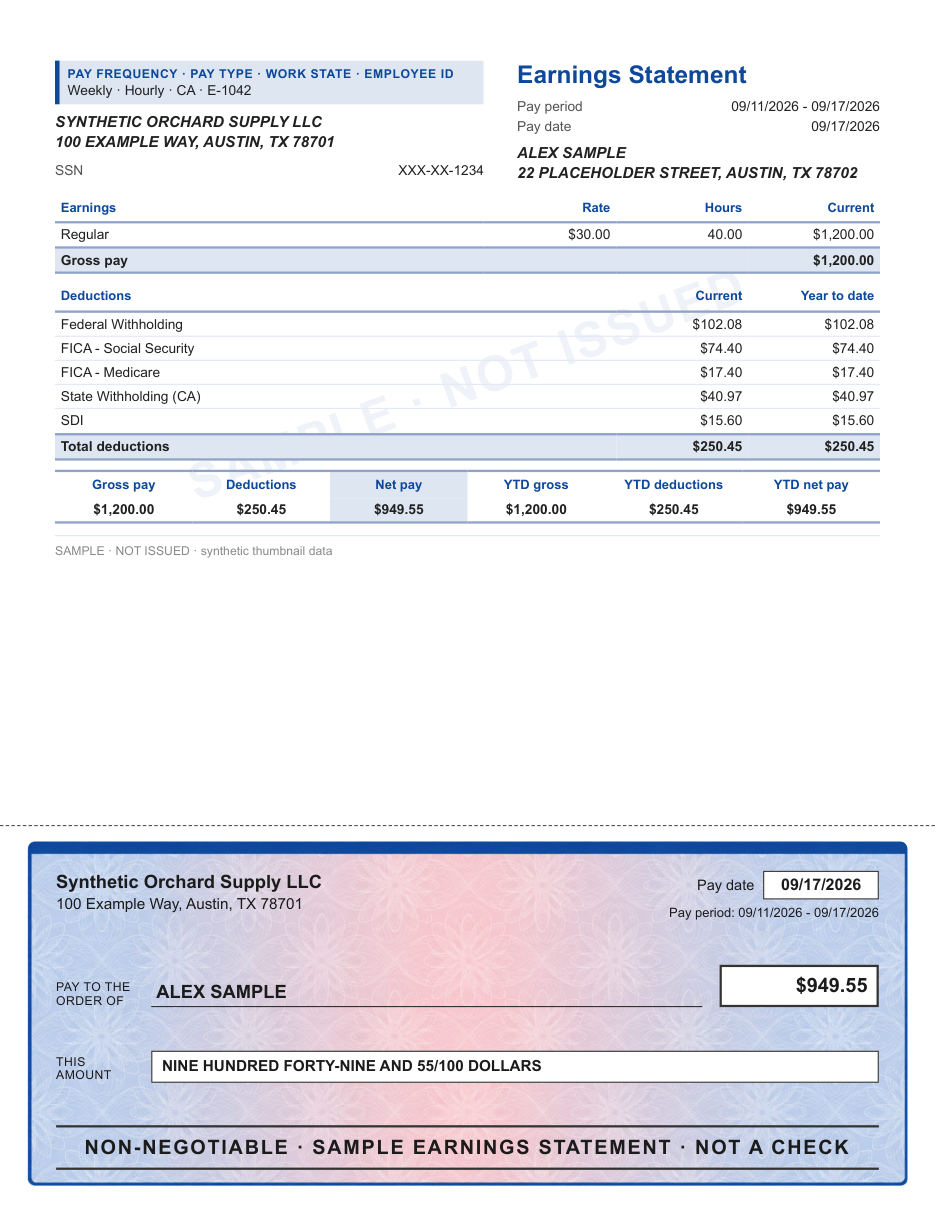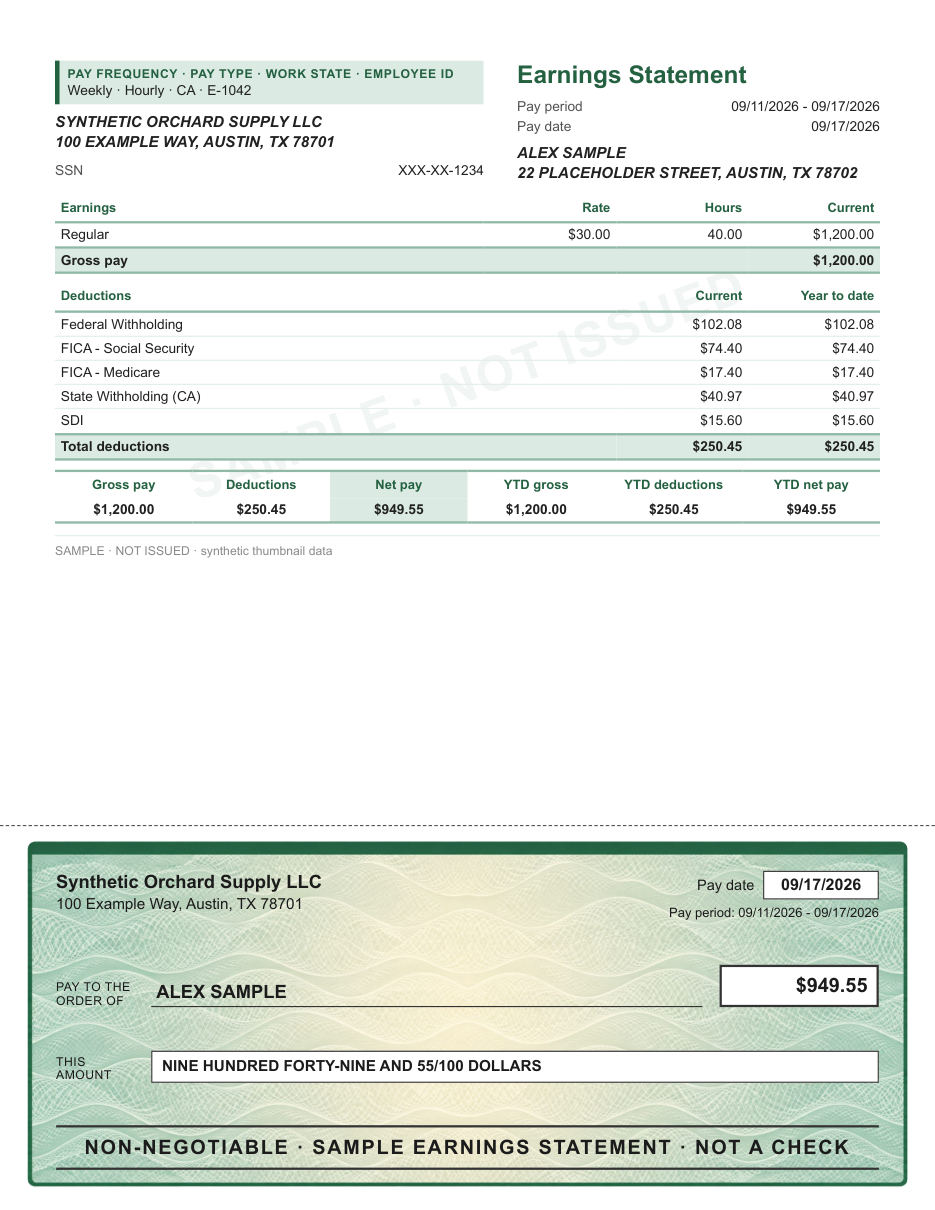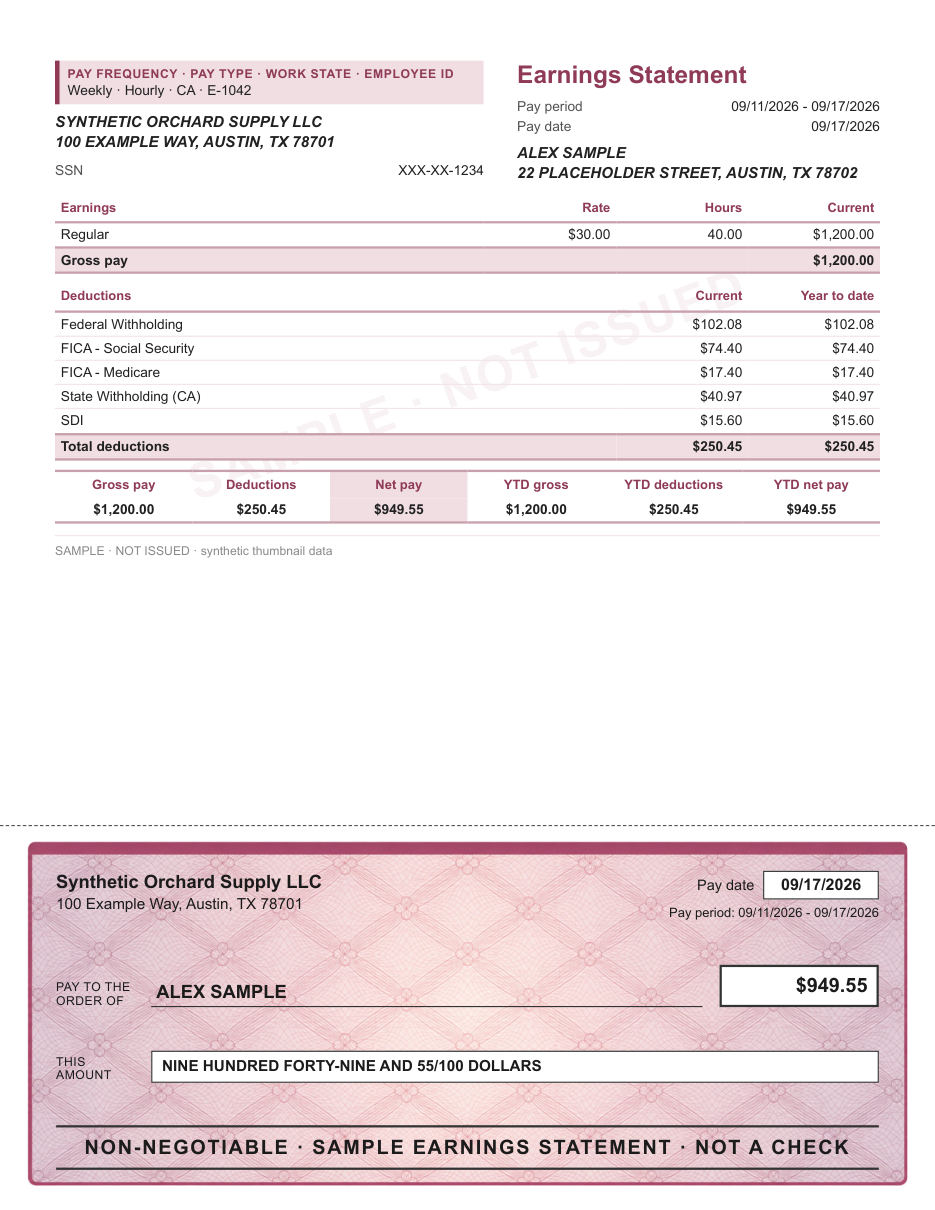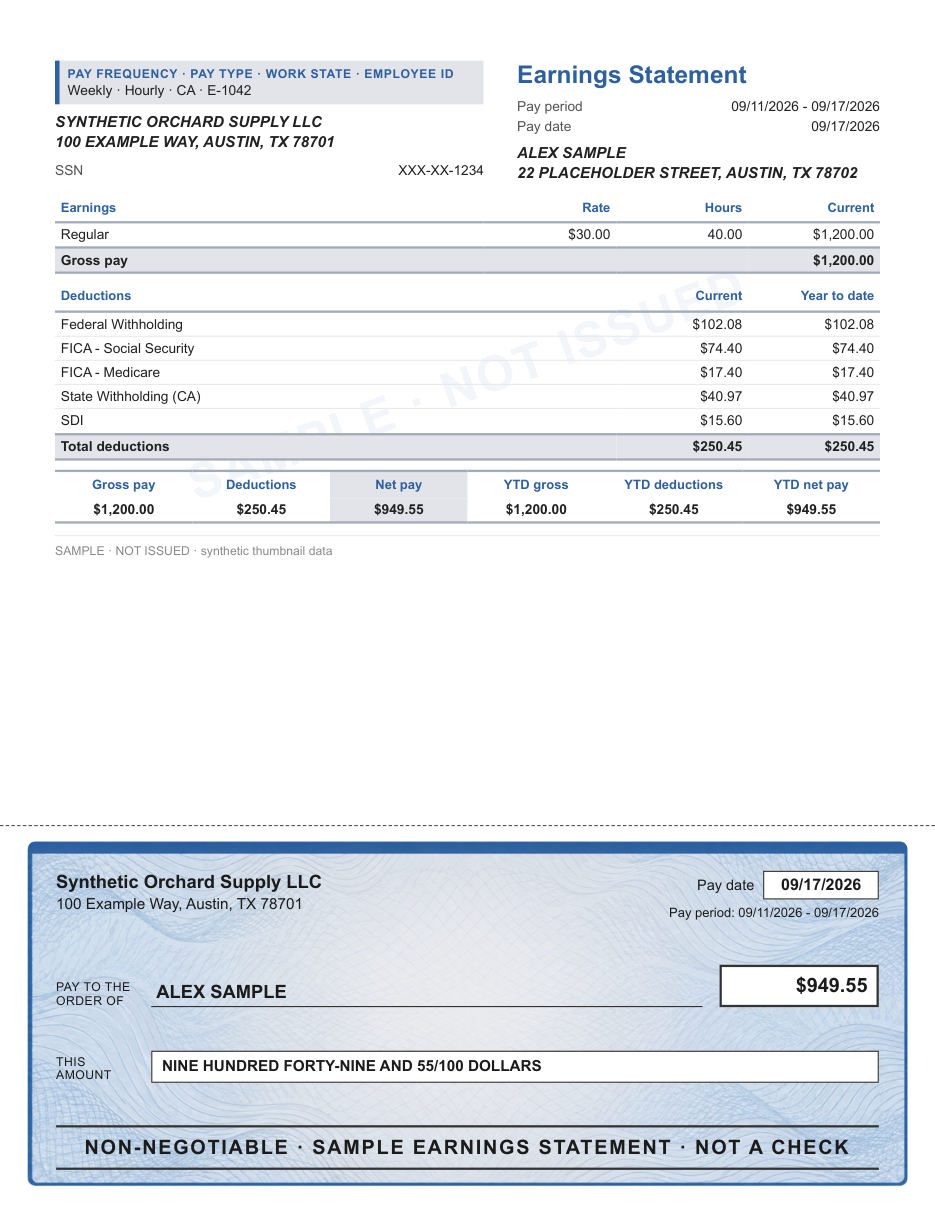
Classic
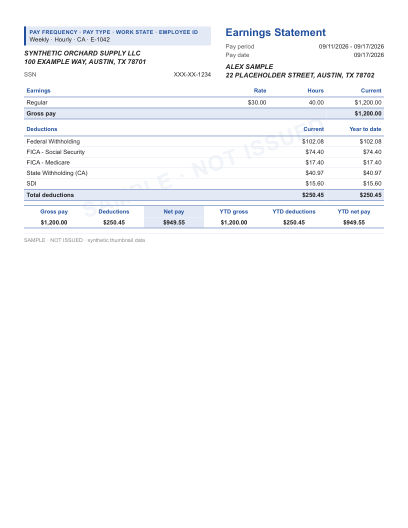
Classic earnings statement
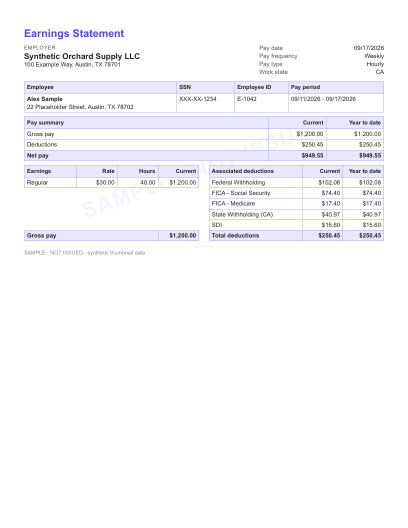
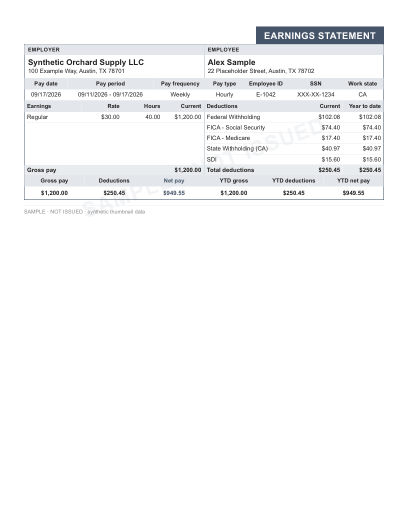
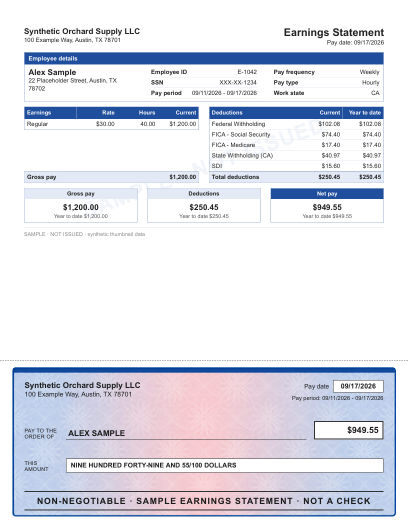
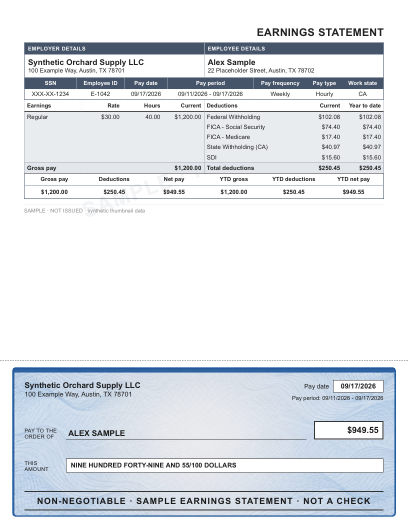
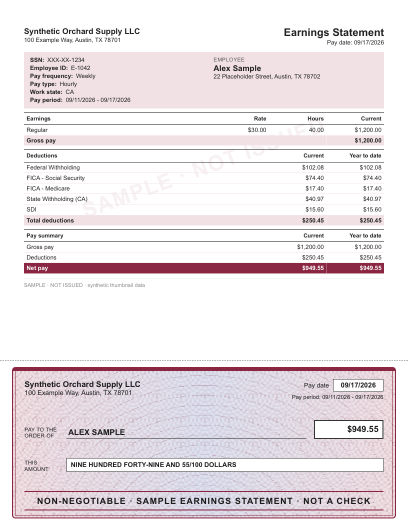
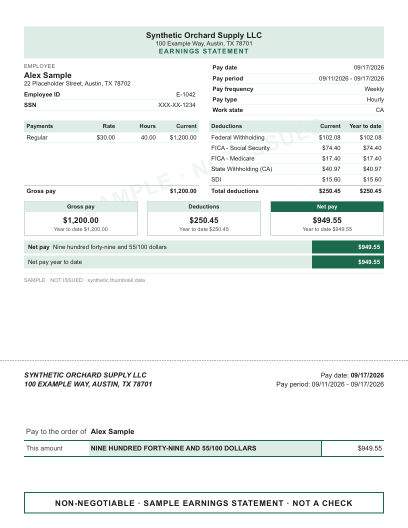
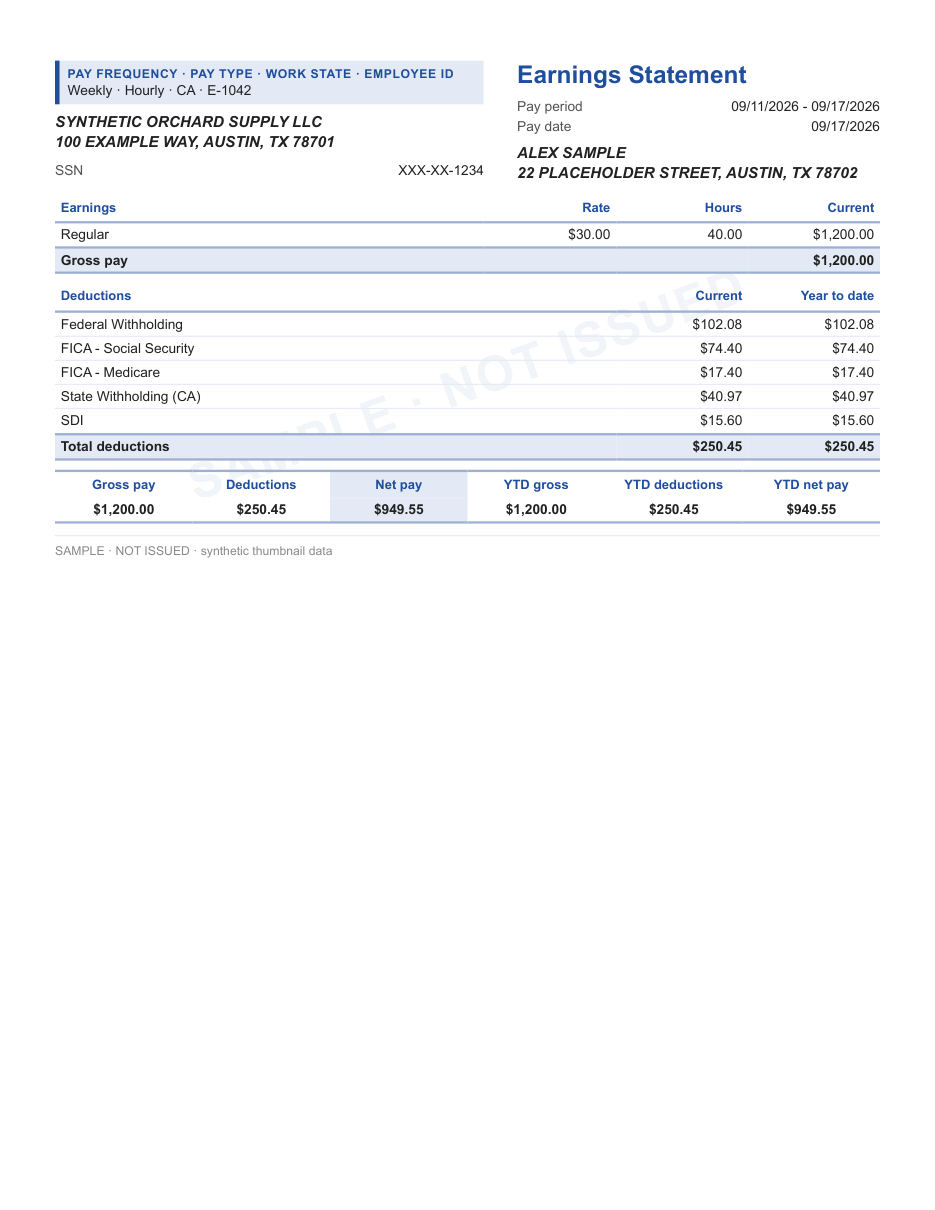
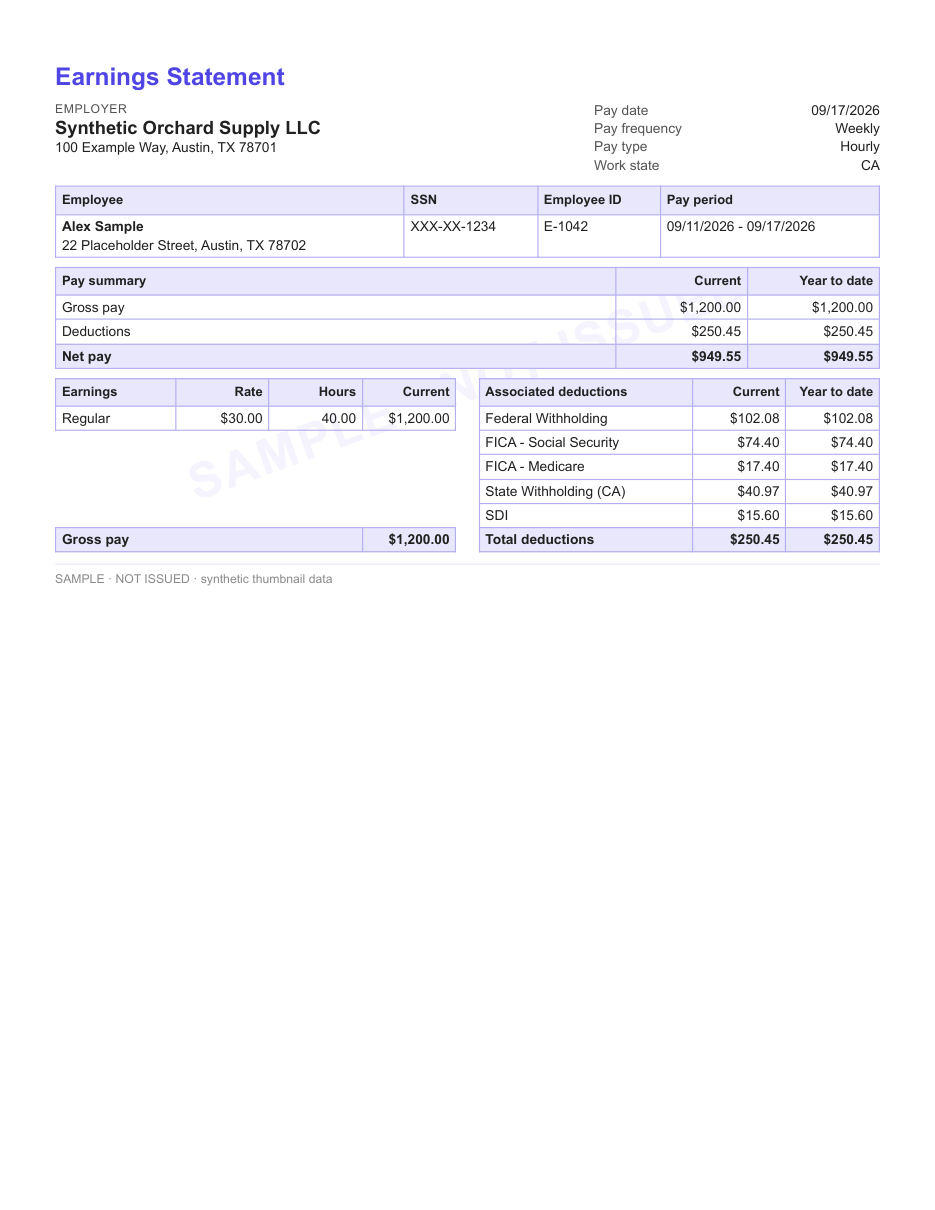
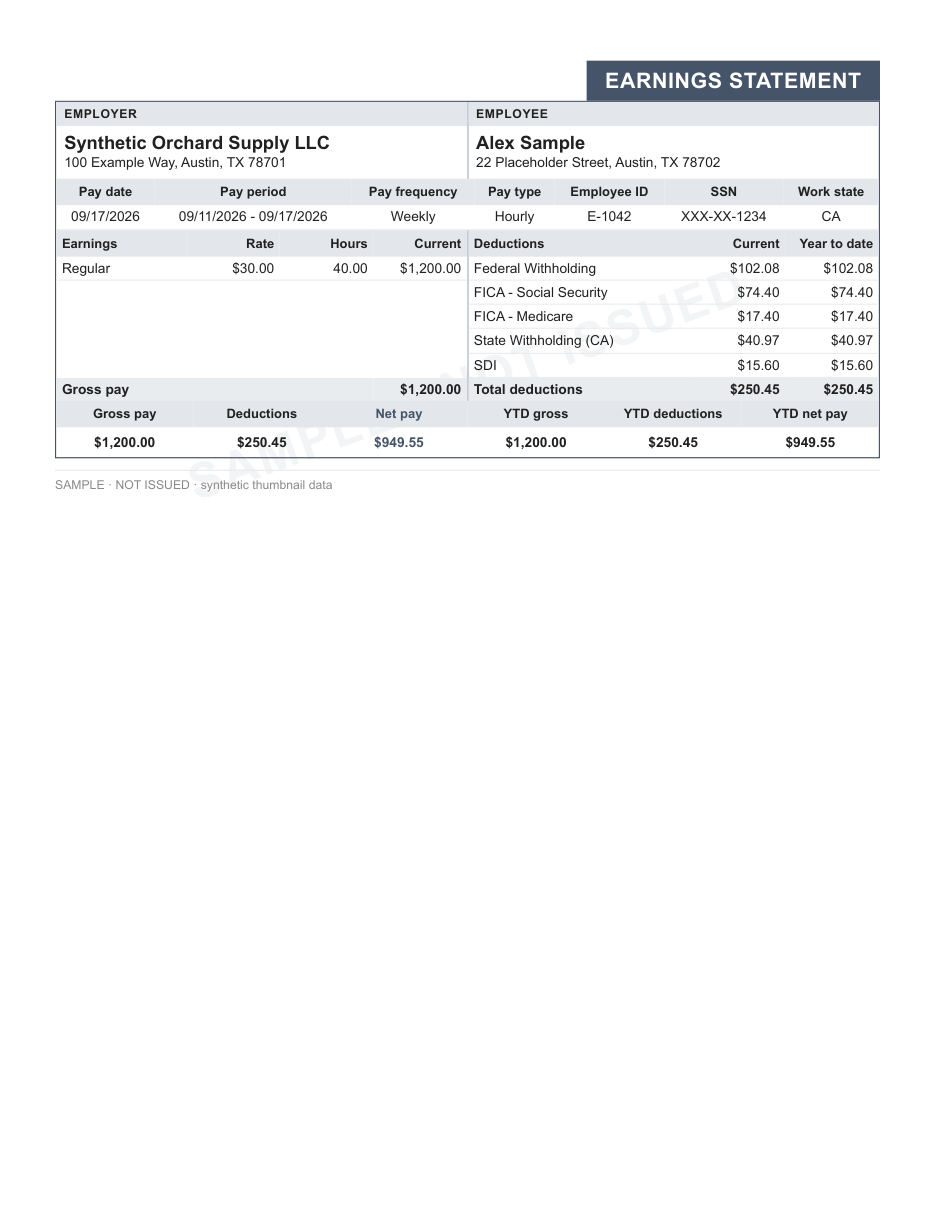
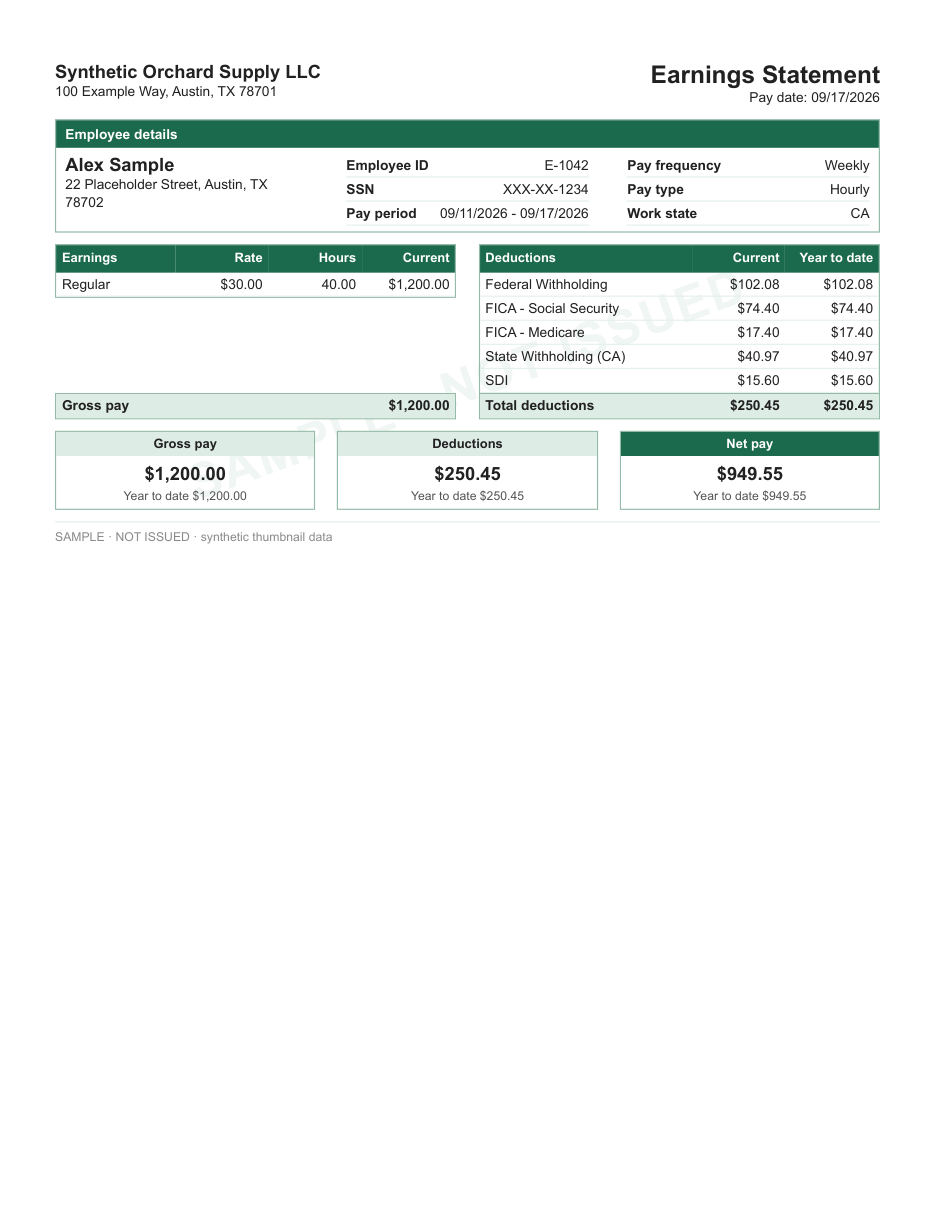
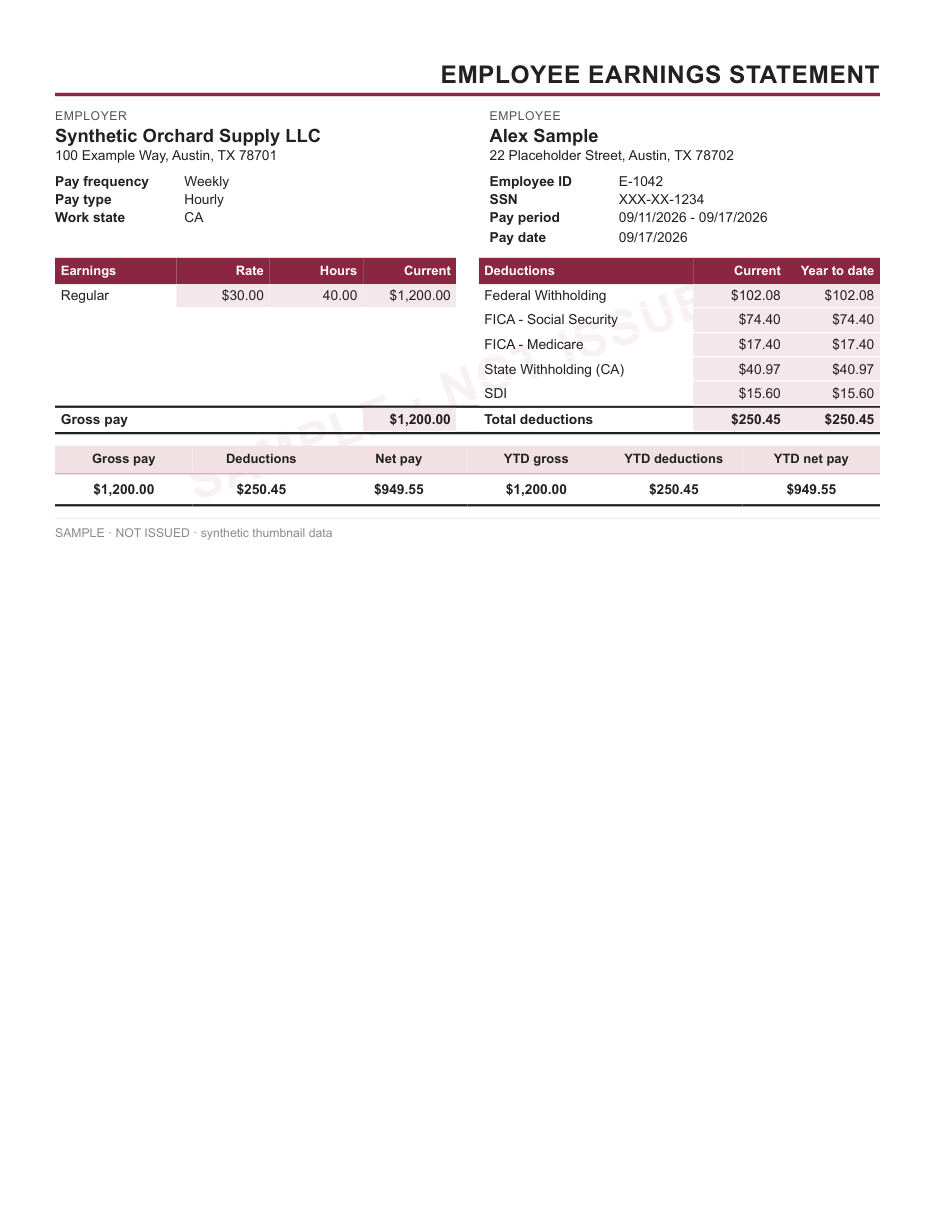
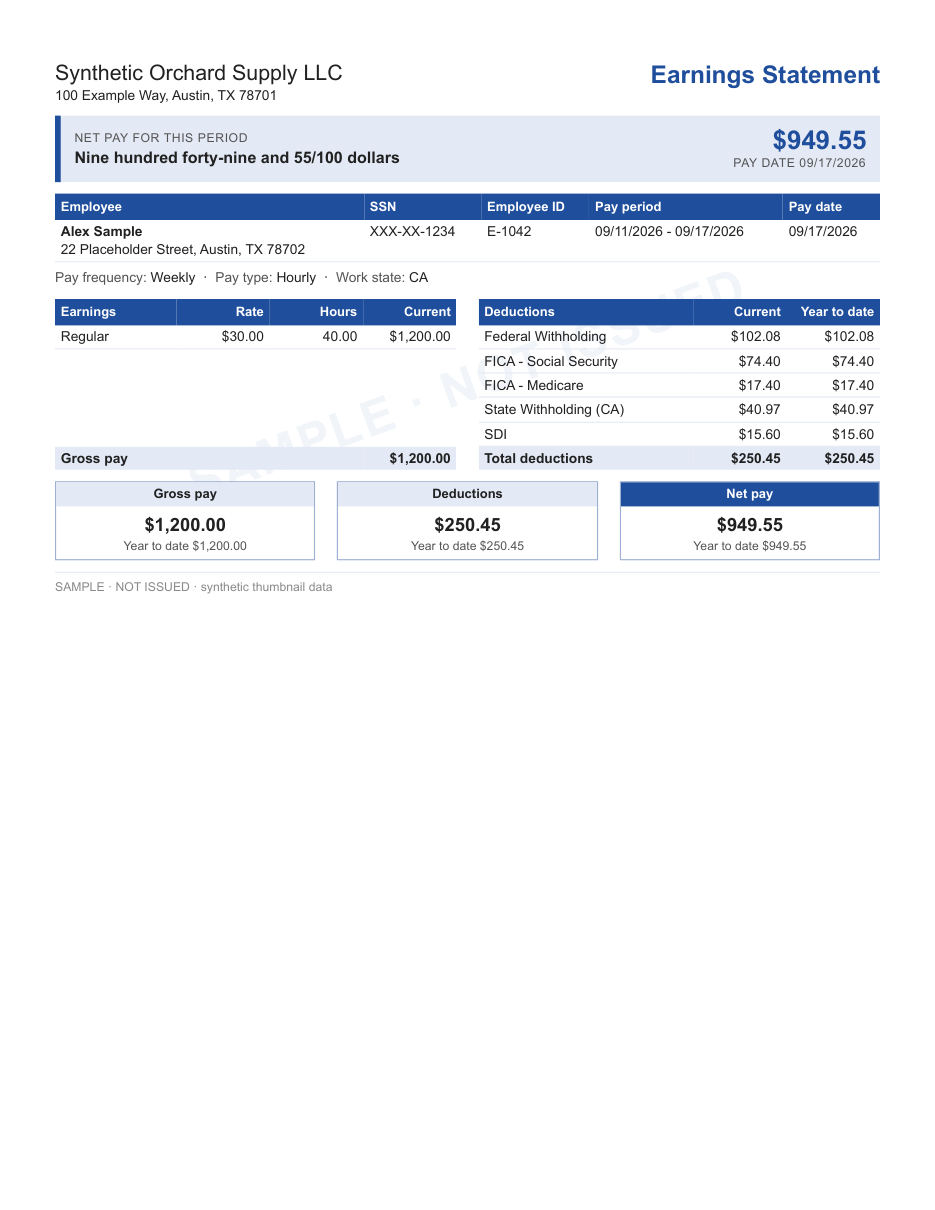
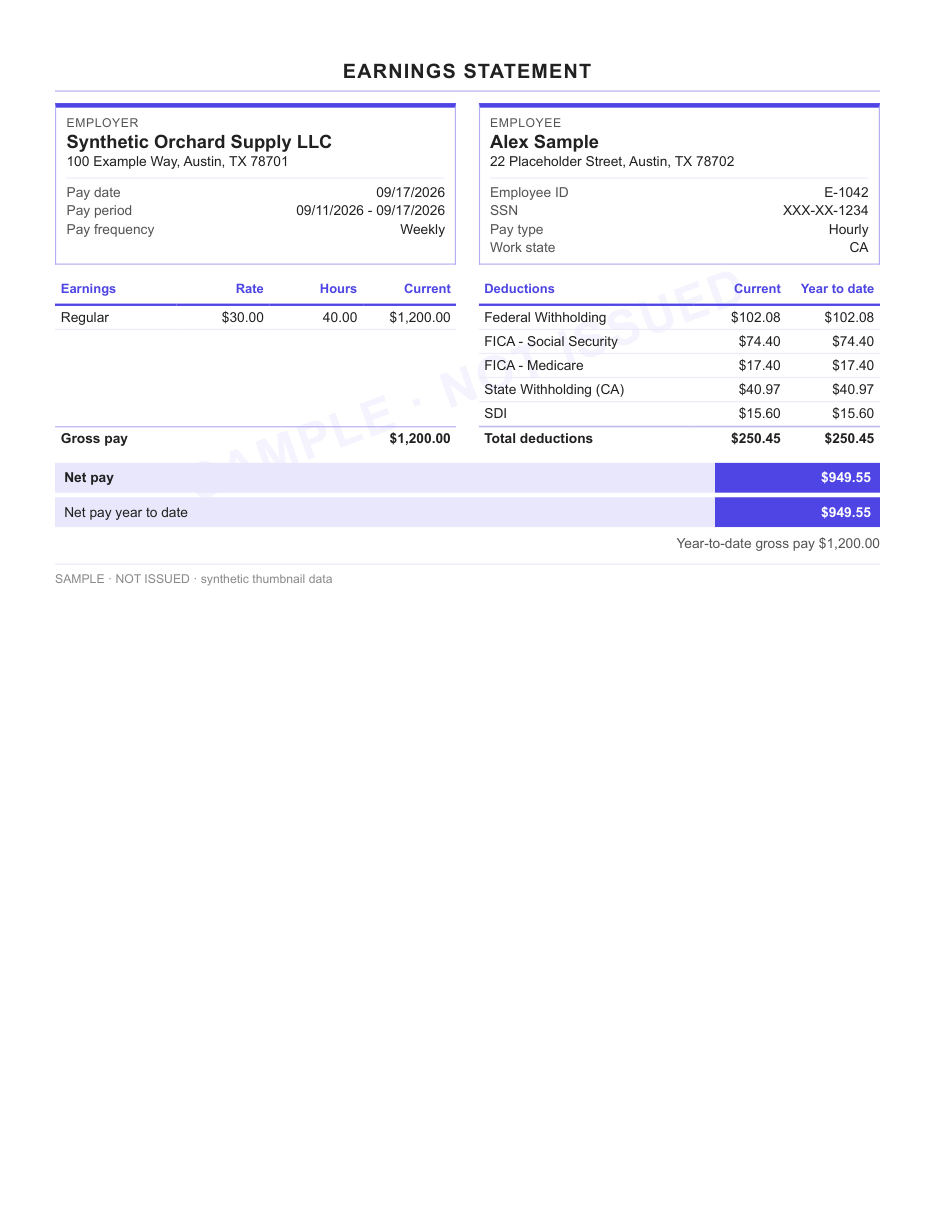
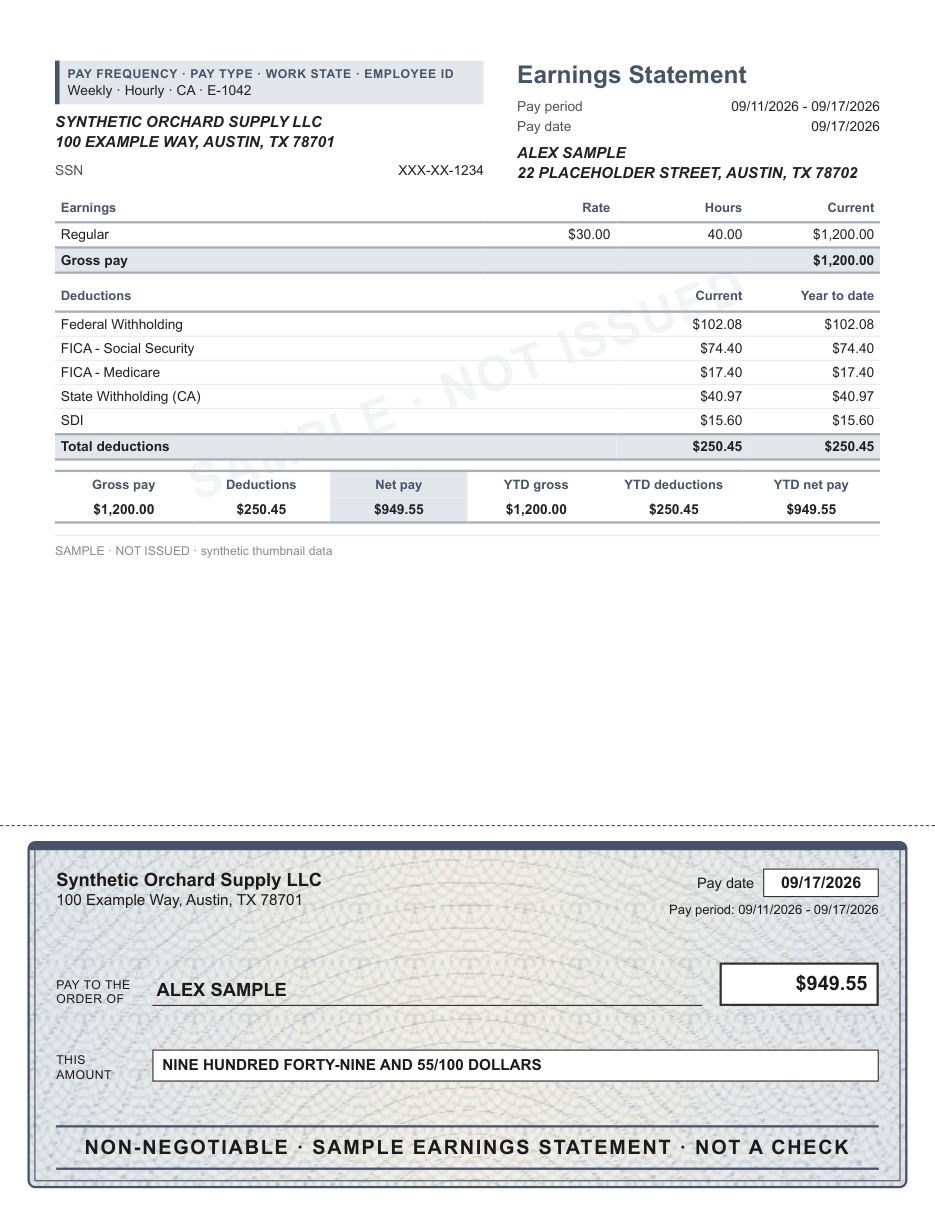
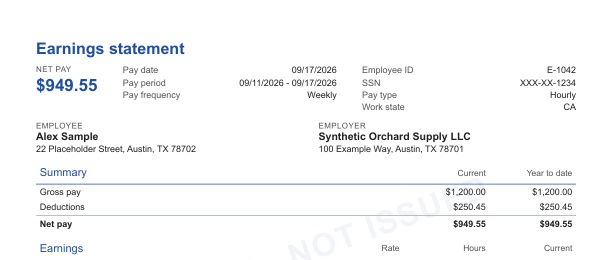
The familiar arrangement: employer and employee at the top, earnings and deductions side by side.
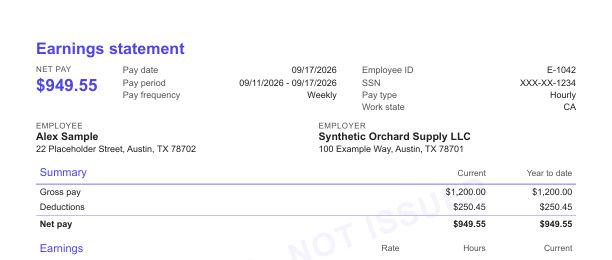
- Blue
- Indigo
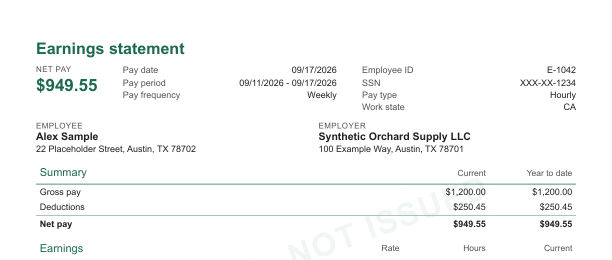
- Green
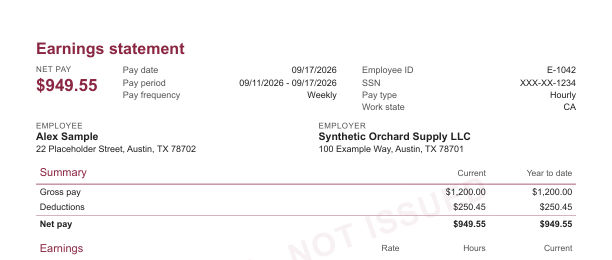
- Burgundy
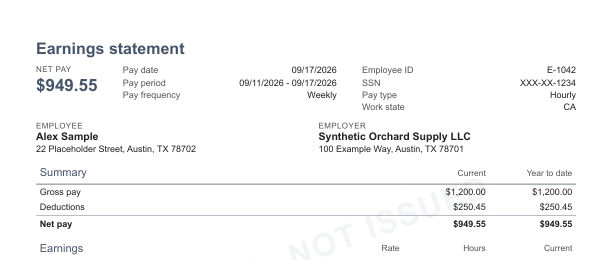
- Slate
- Black
Every preview uses made-up sample data and carries a SAMPLE watermark. Select a preview to see it larger.
Statement layouts
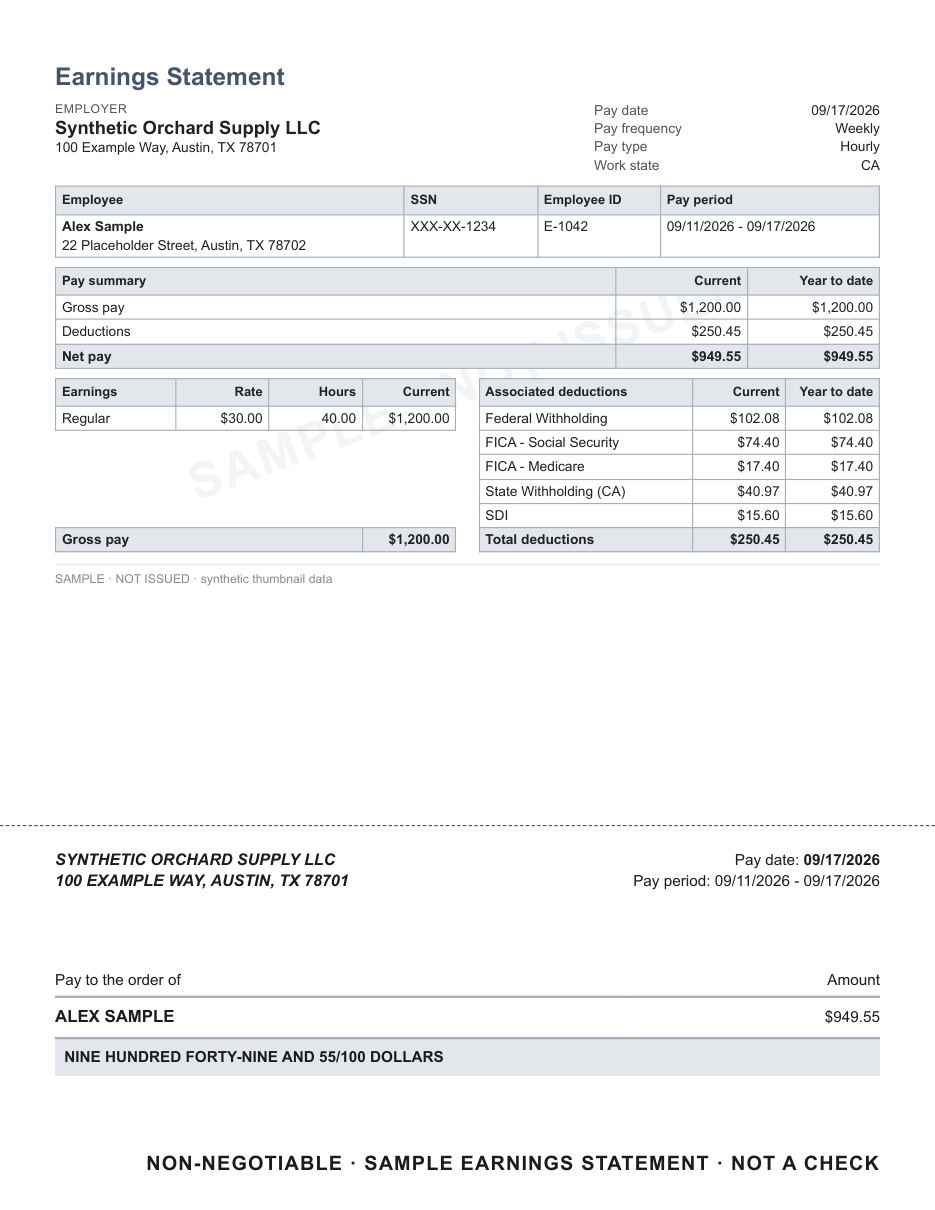
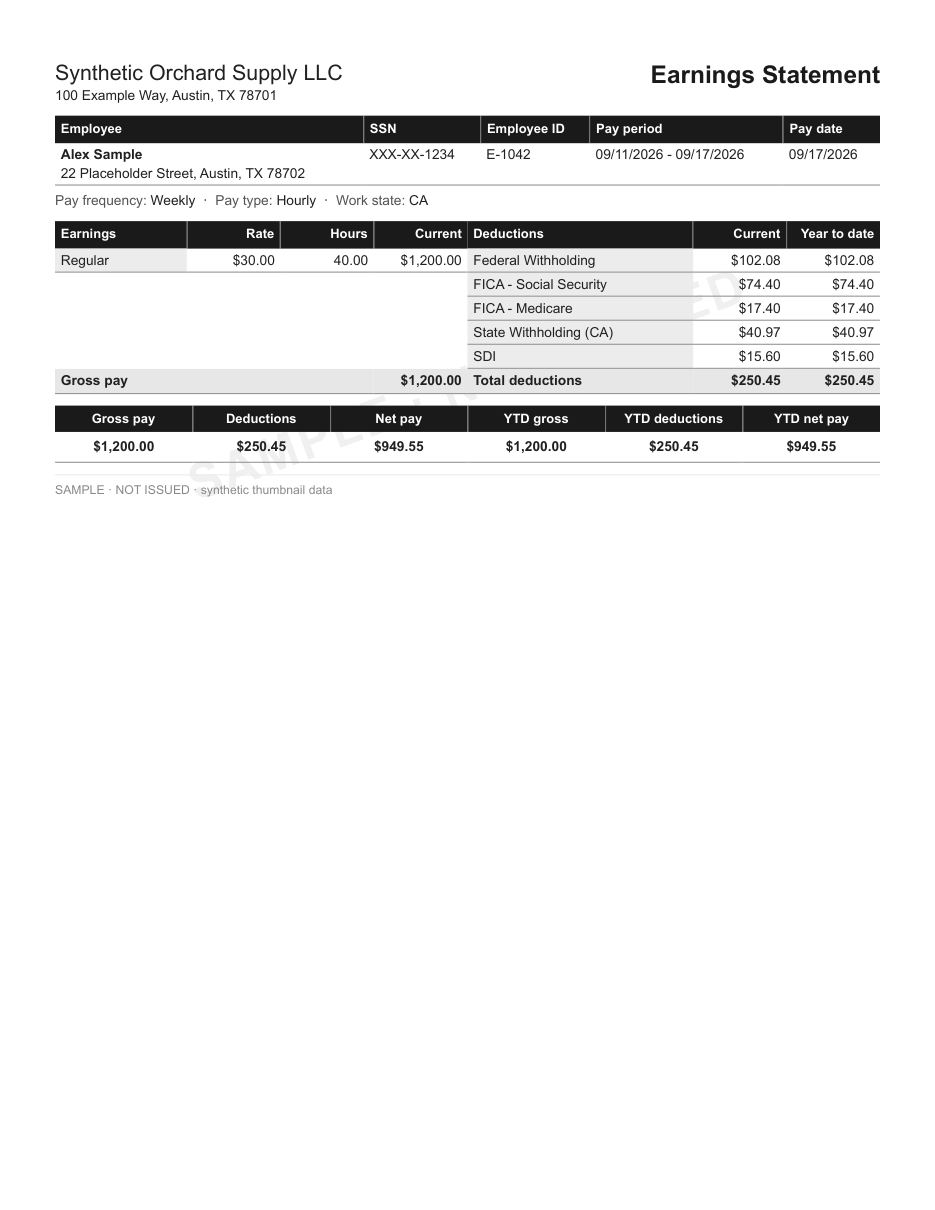
Each layout comes in six colors. Use it as a statement only, or add a decorative check area at the bottom of the page.
The familiar arrangement: employer and employee at the top, earnings and deductions side by side.
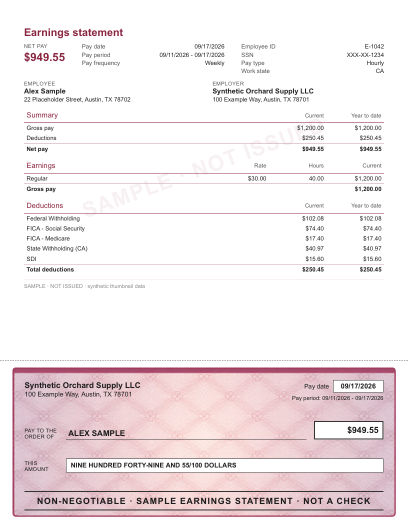
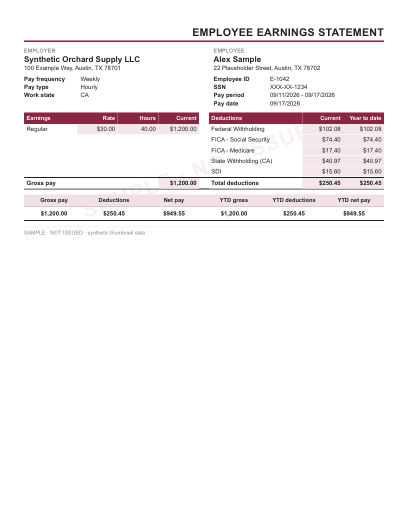
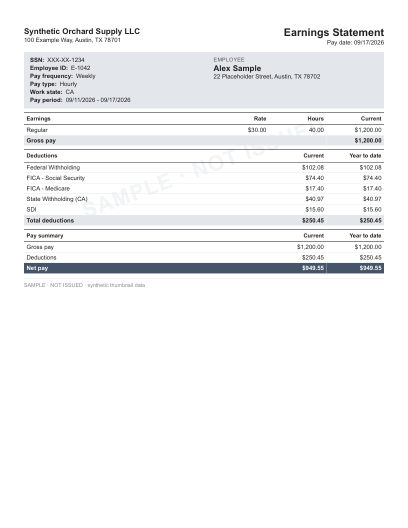
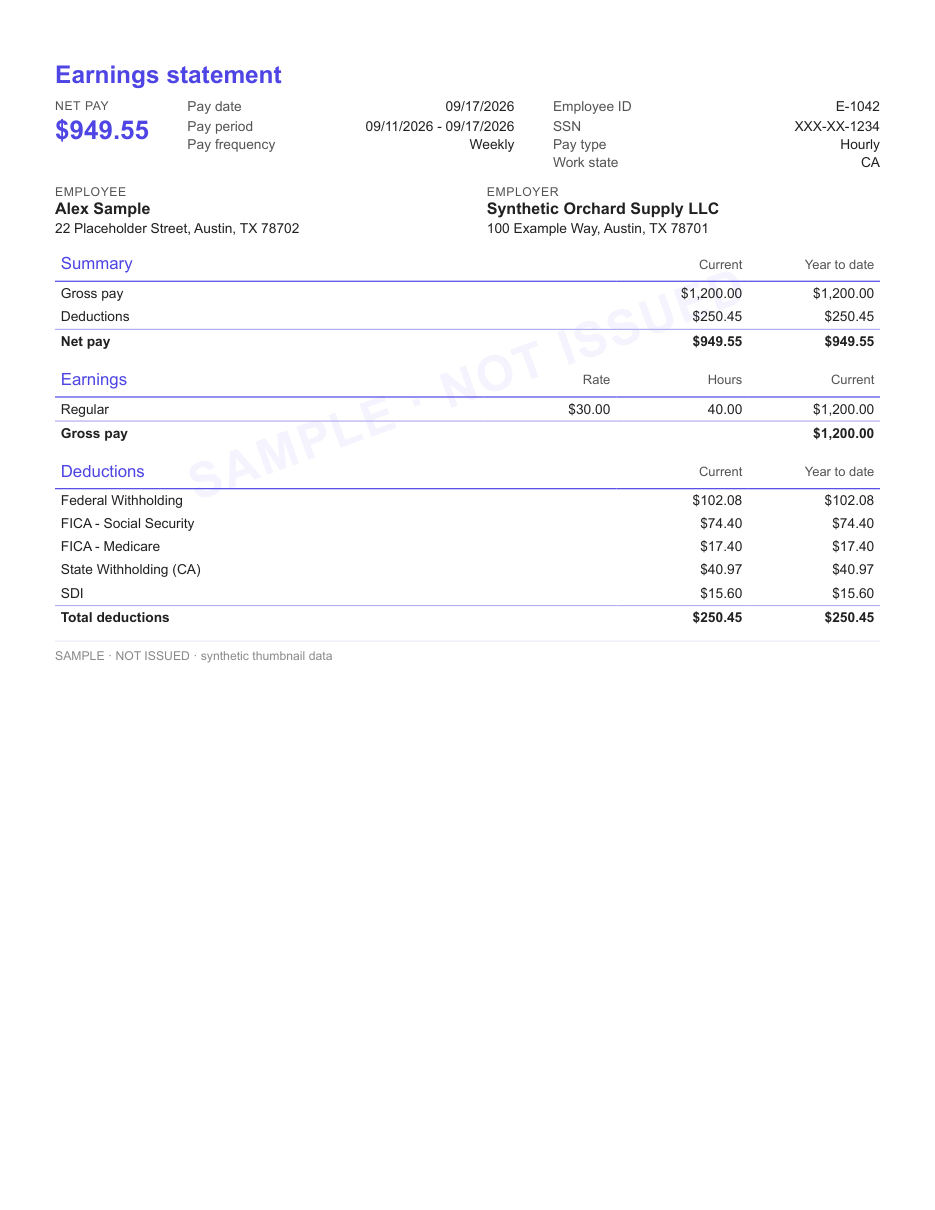
A pay summary sits above the detail, so gross pay, deductions and net pay are read first.
Every block sits in its own outlined box. Compact and easy to scan.
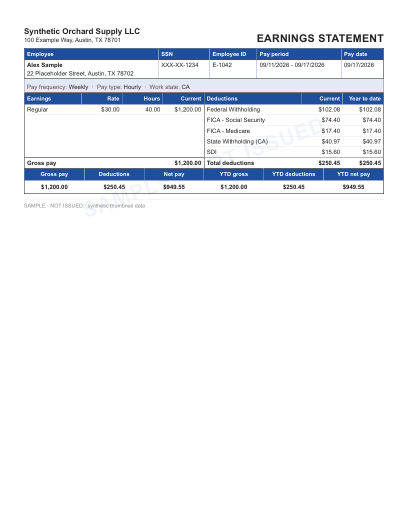
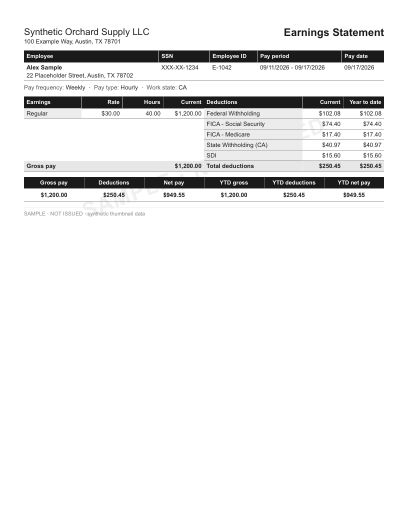
A ledger-style table with a title tab across the top.
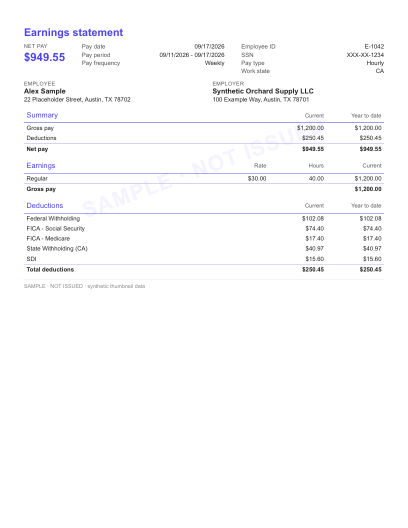
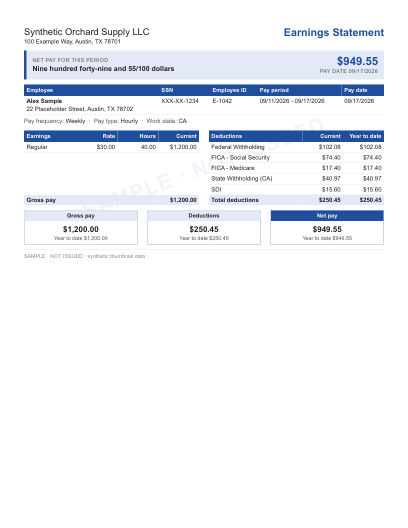
Net pay leads the page as a headline, with the breakdown underneath.
Earnings, taxes and deductions each get a titled section box.
Employer and employee details run in shaded bars above the pay tables.
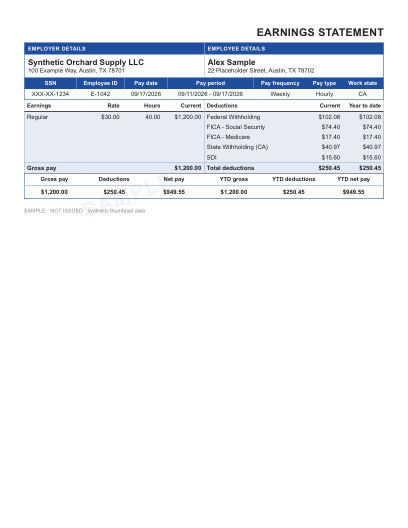
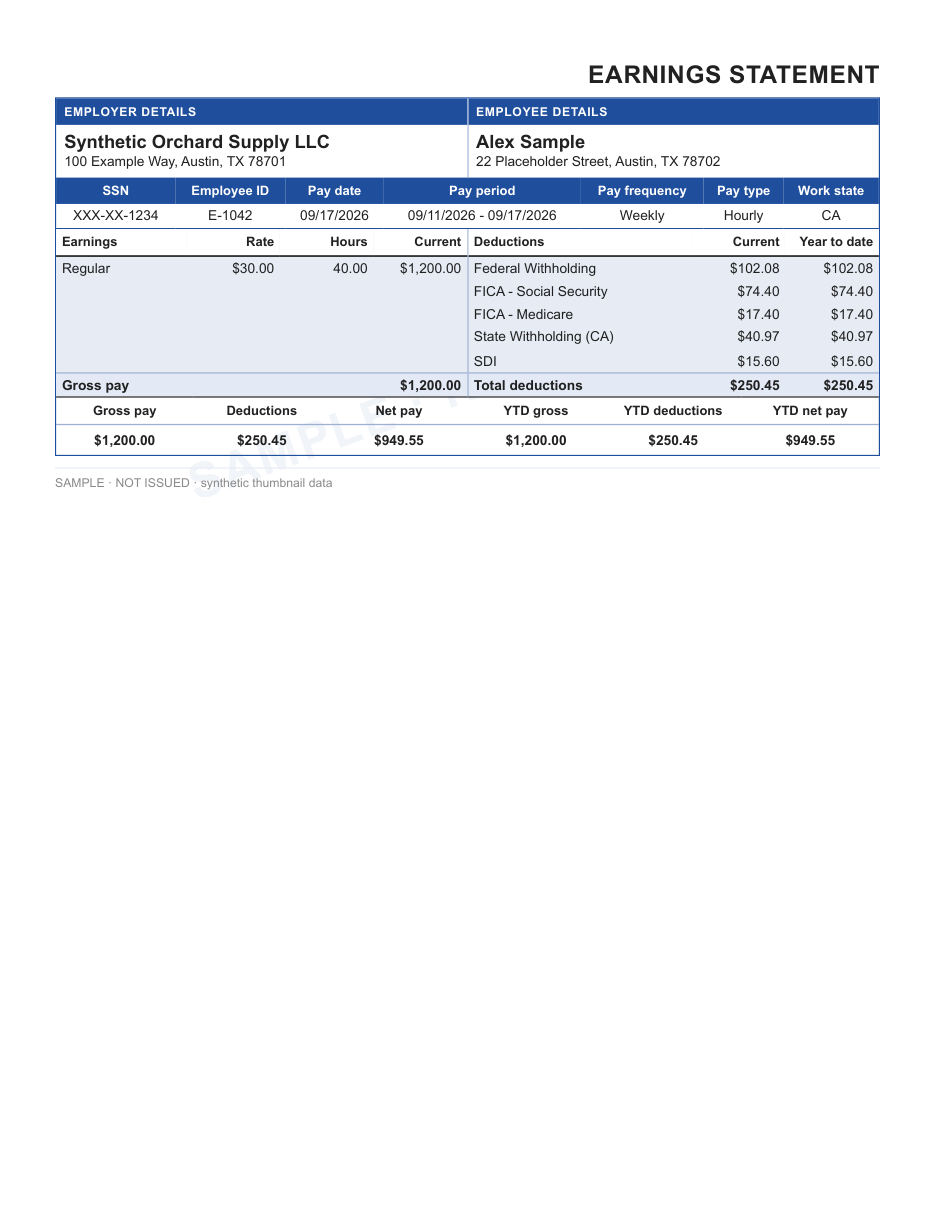
Employer and employee side by side, with a totals strip for current and year-to-date figures.
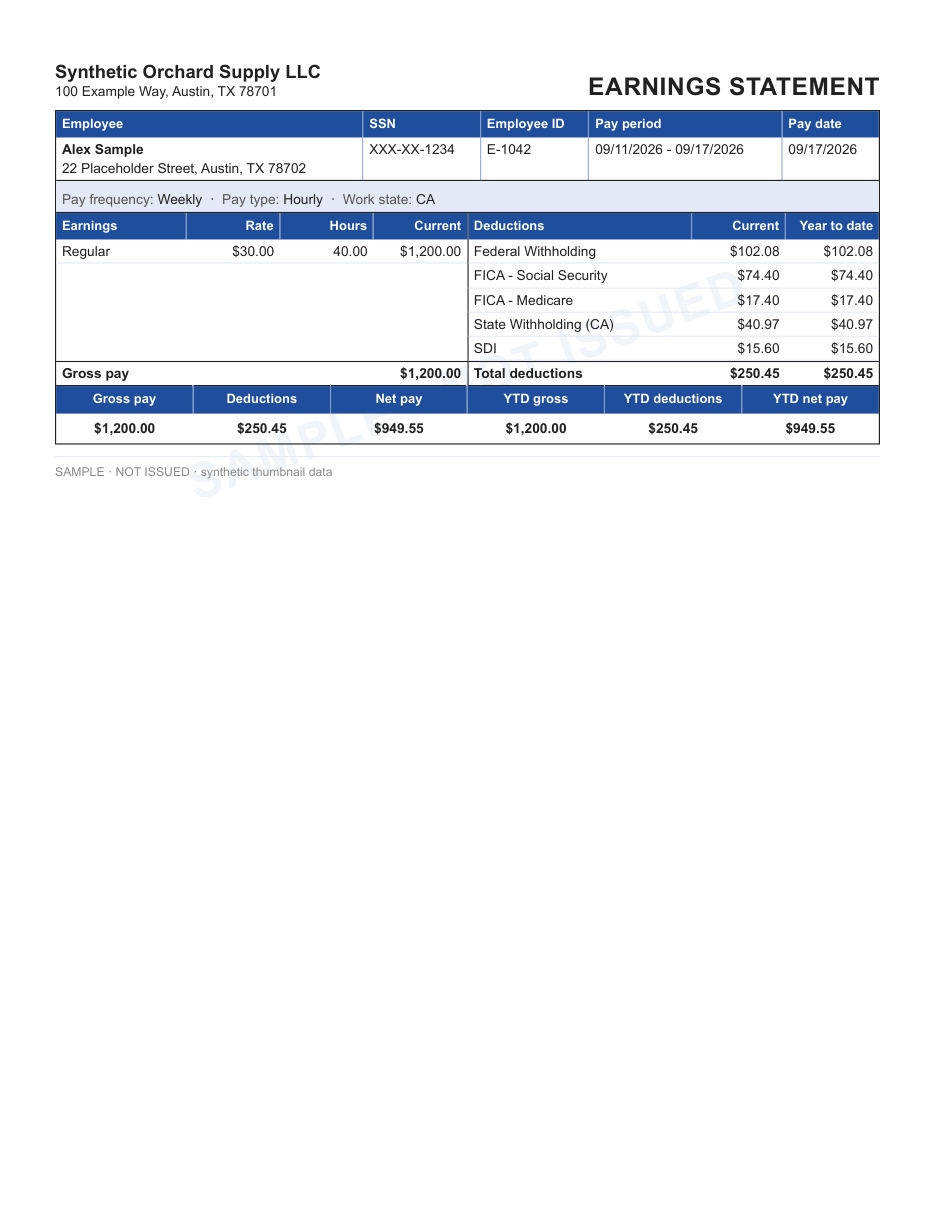
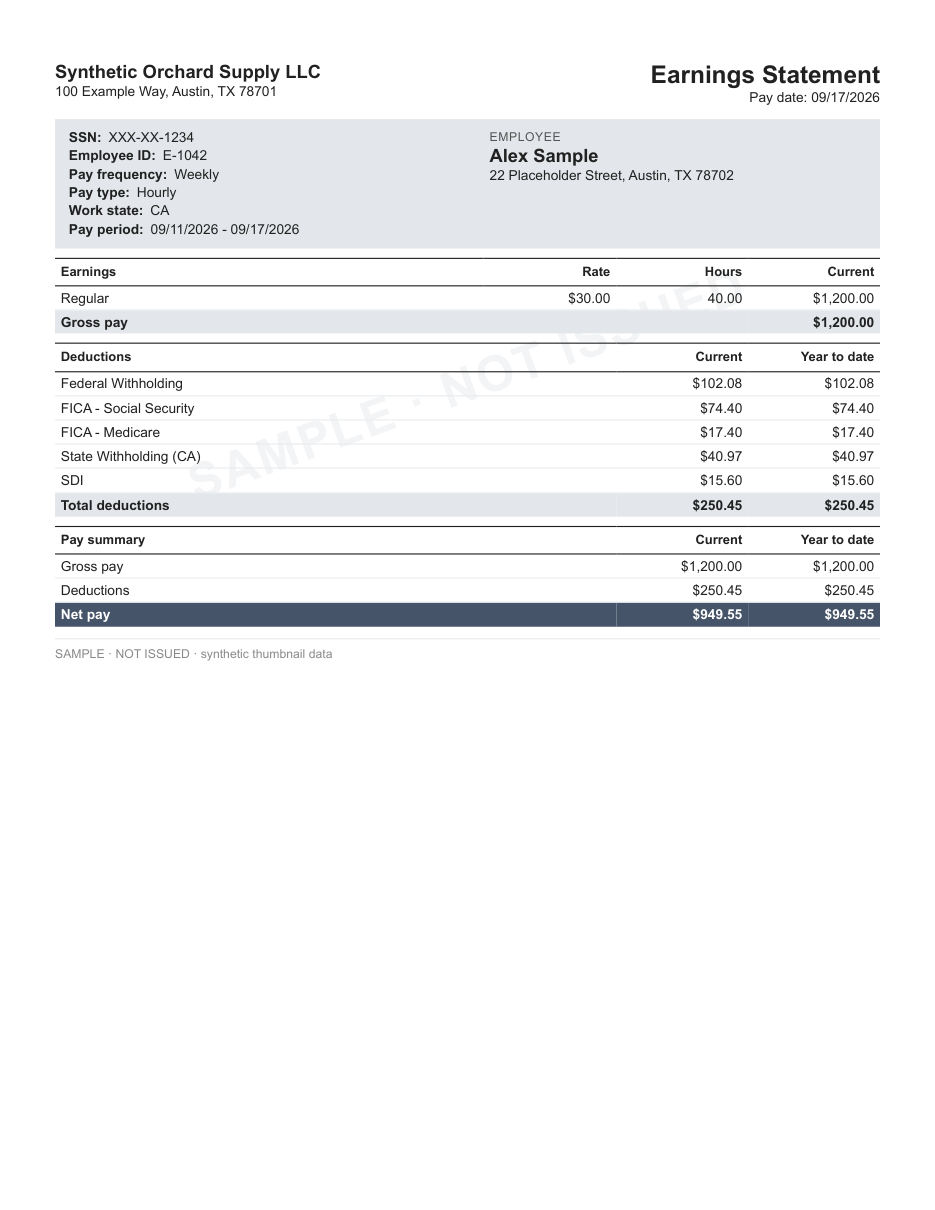
One tight table for everything. Leaves the most room on the page.
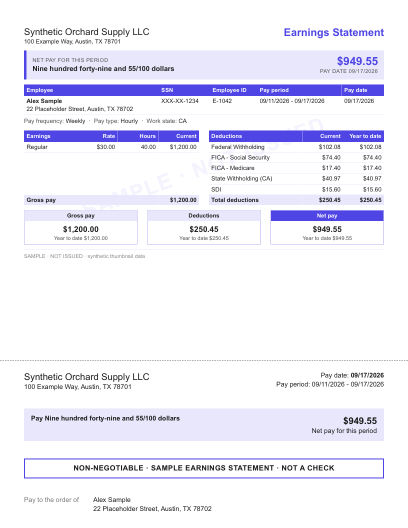
A colored net pay banner across the top, followed by the statement.
An identity panel at the top with earnings and deductions stacked below it.
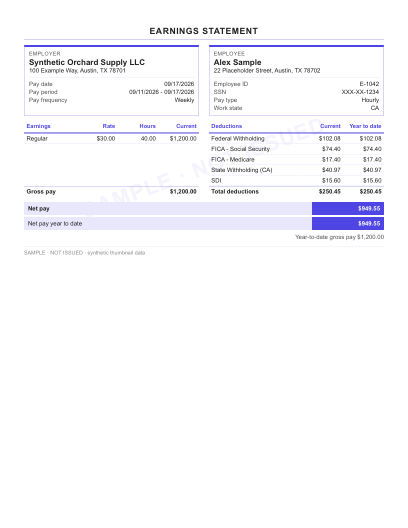
Two compact columns: earnings on one side, deductions on the other.
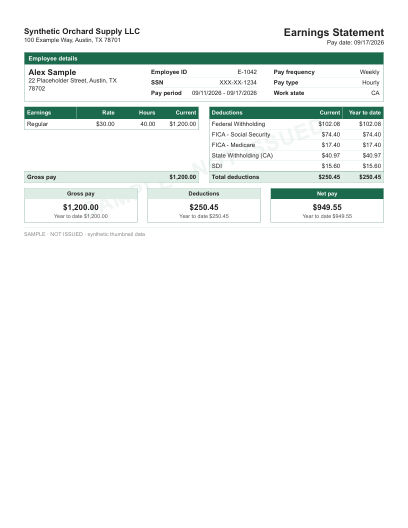
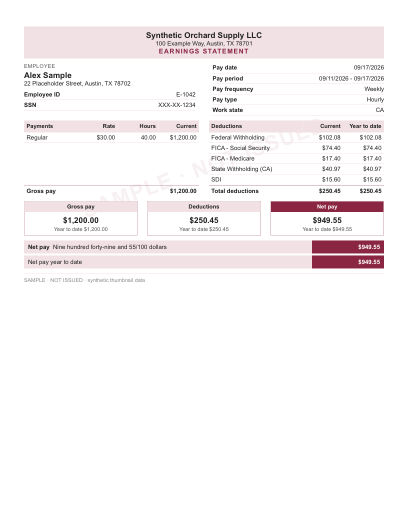
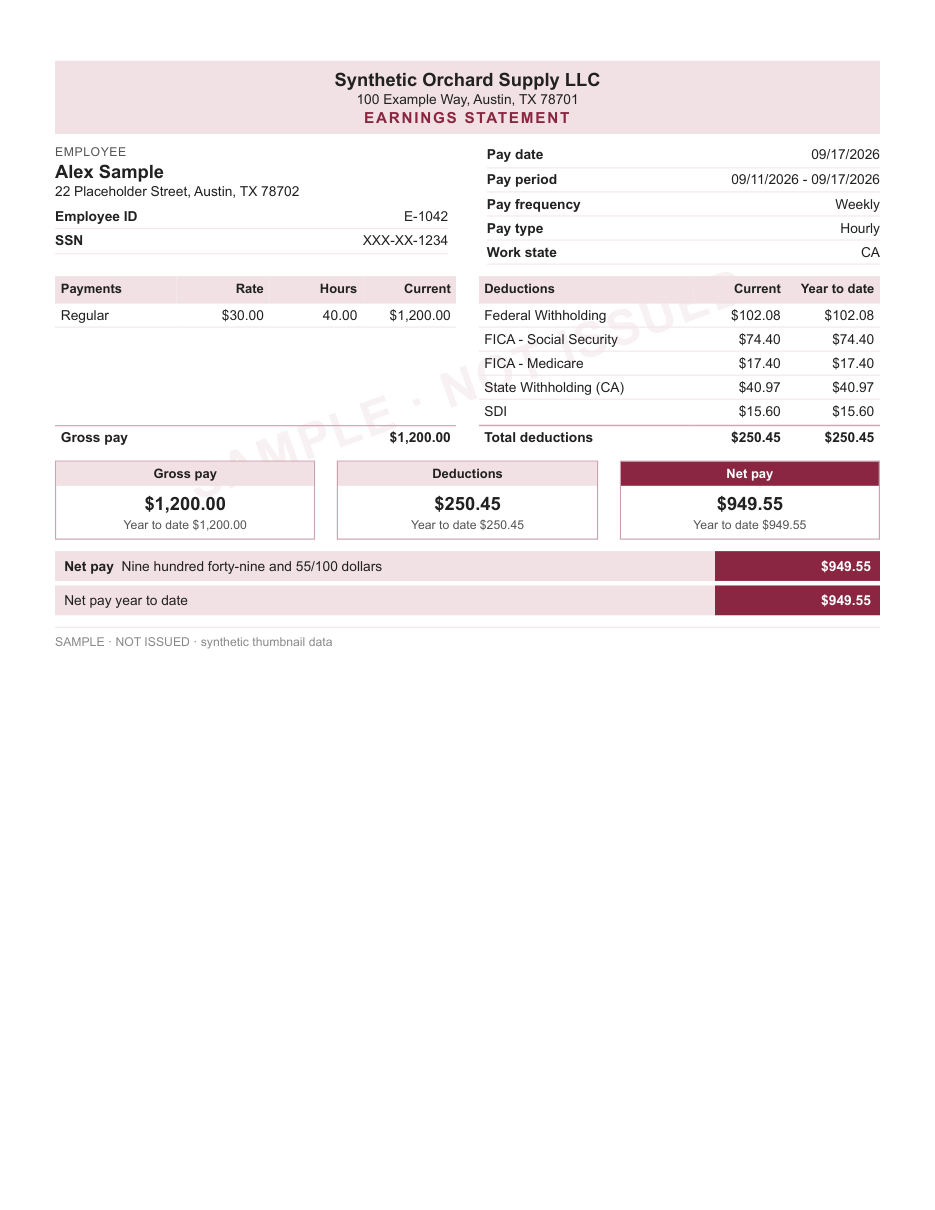
Separate boxes for payments and deductions, with totals underneath.
Check stub layouts
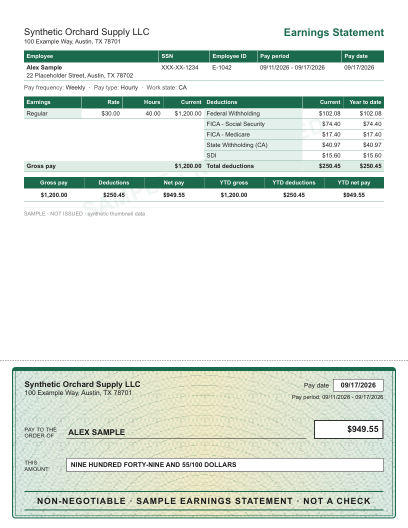
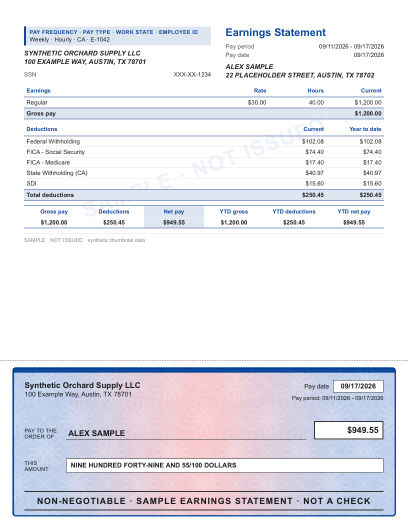
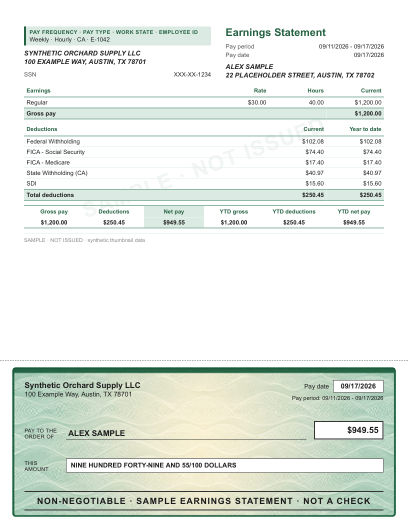
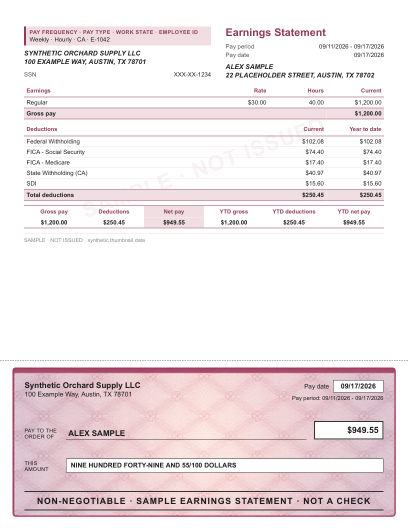
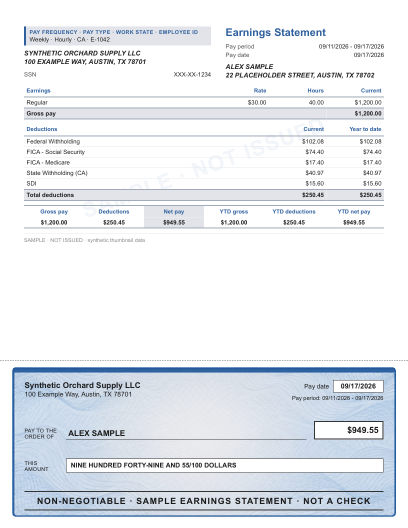
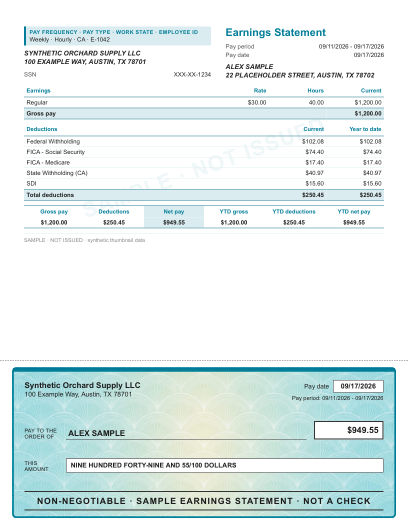
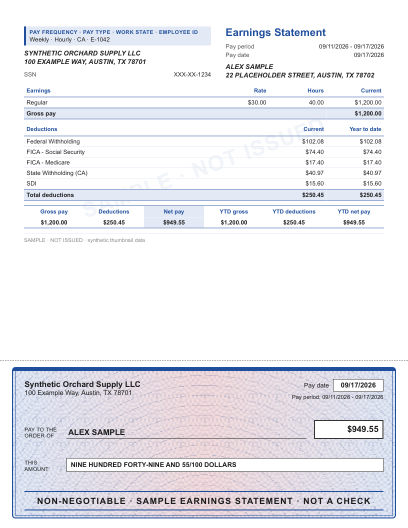
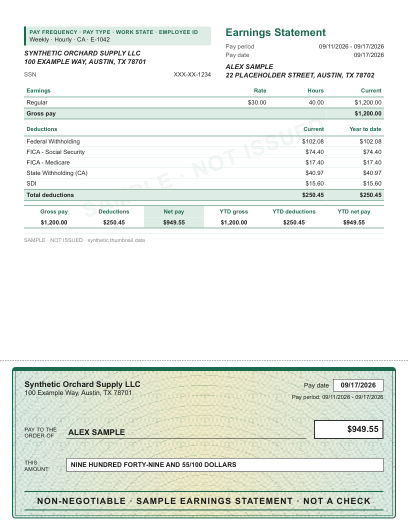
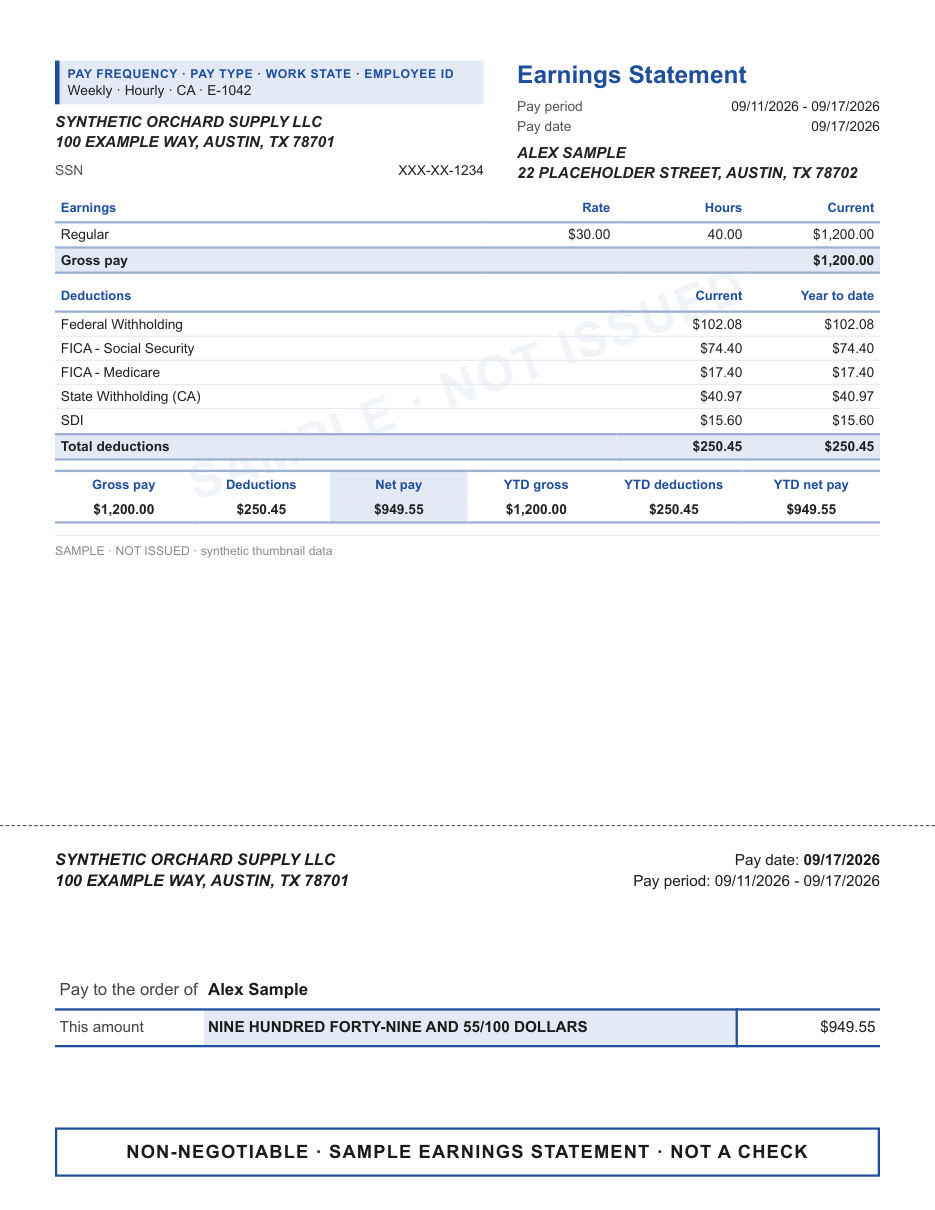
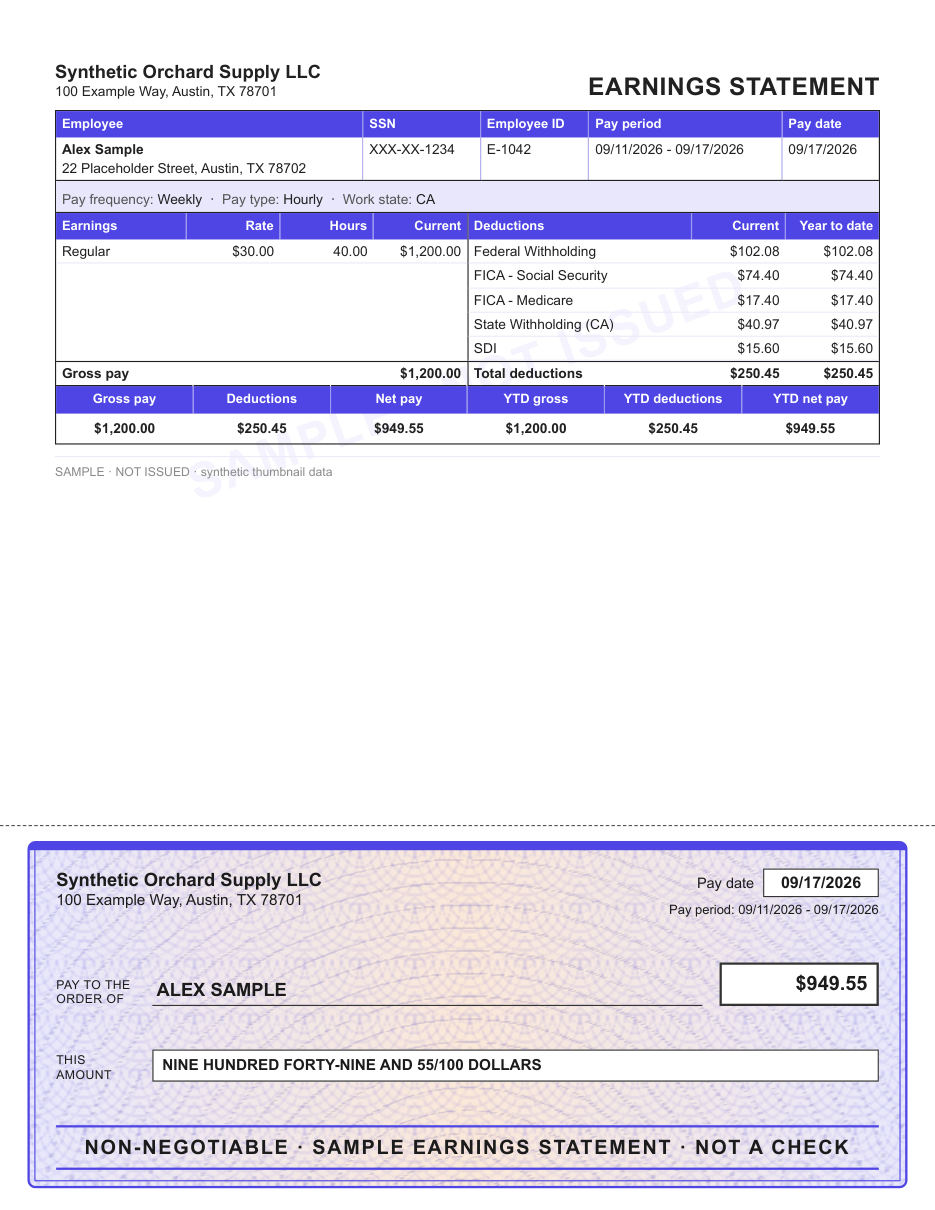
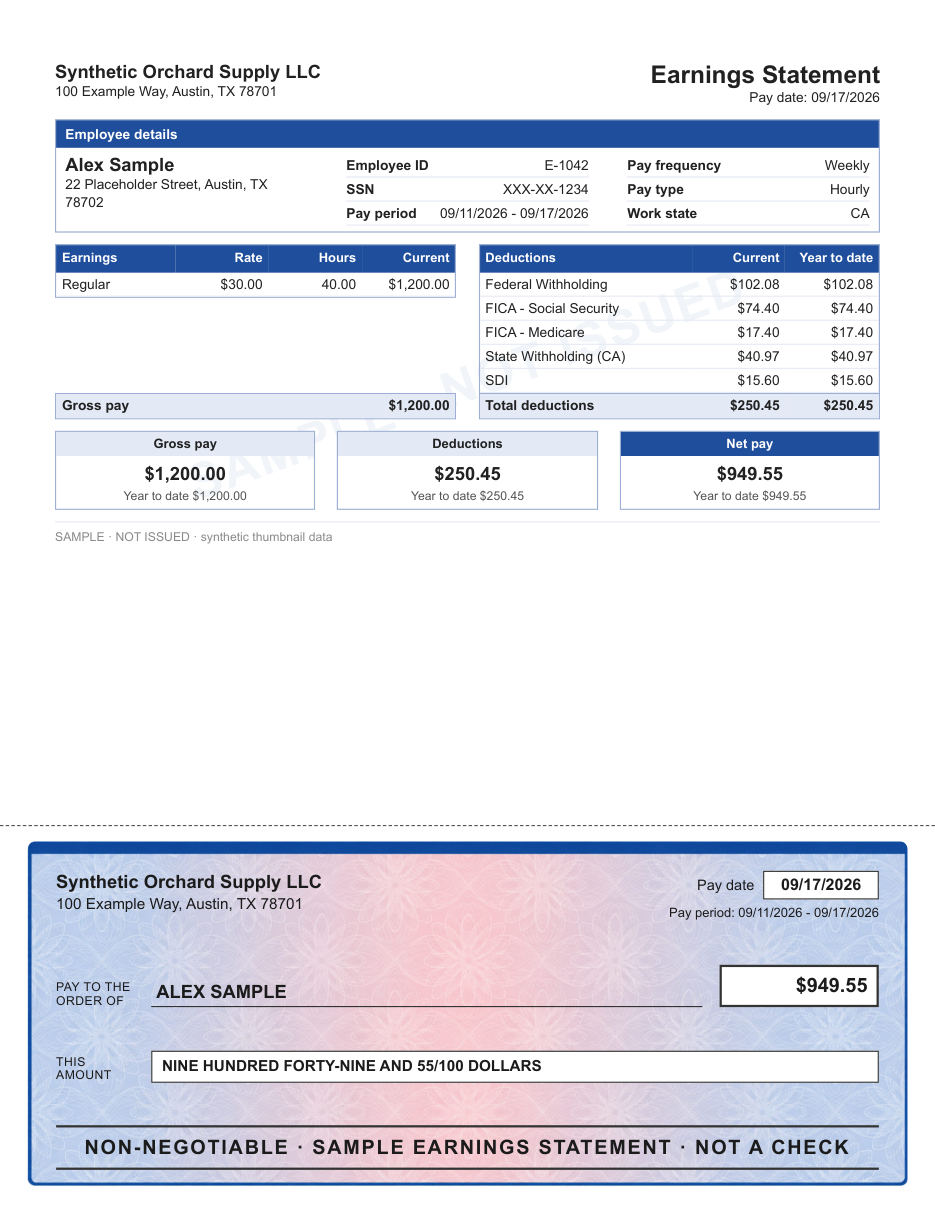
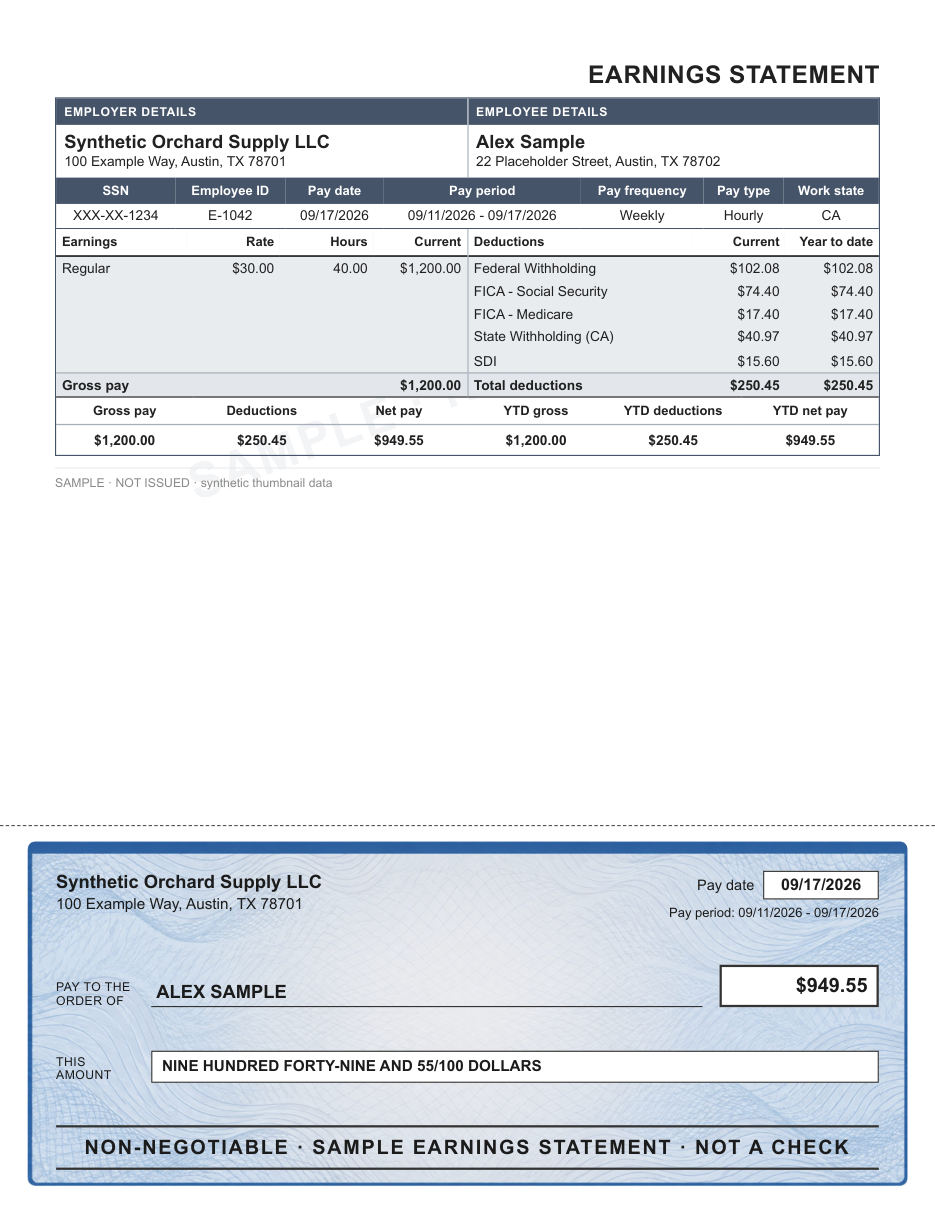
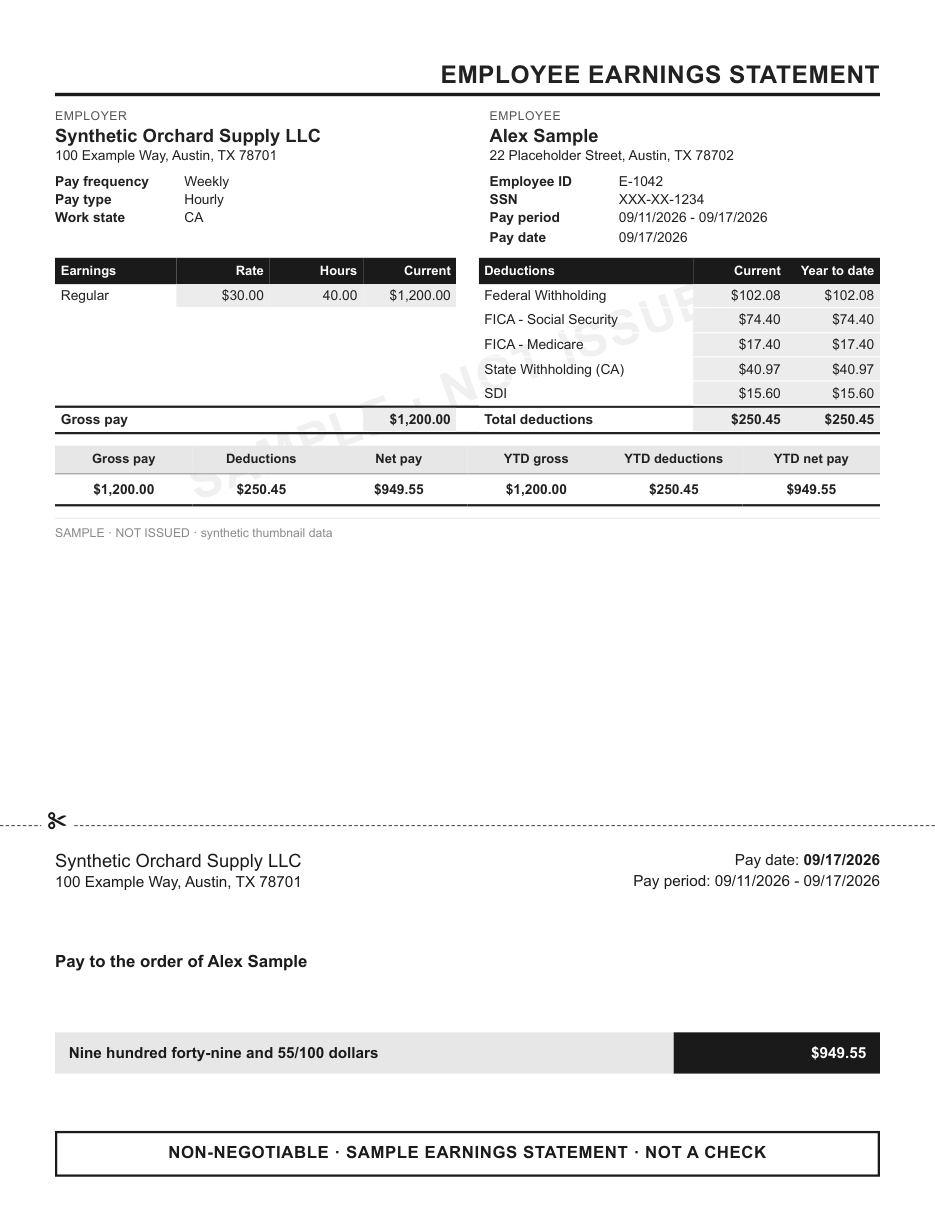
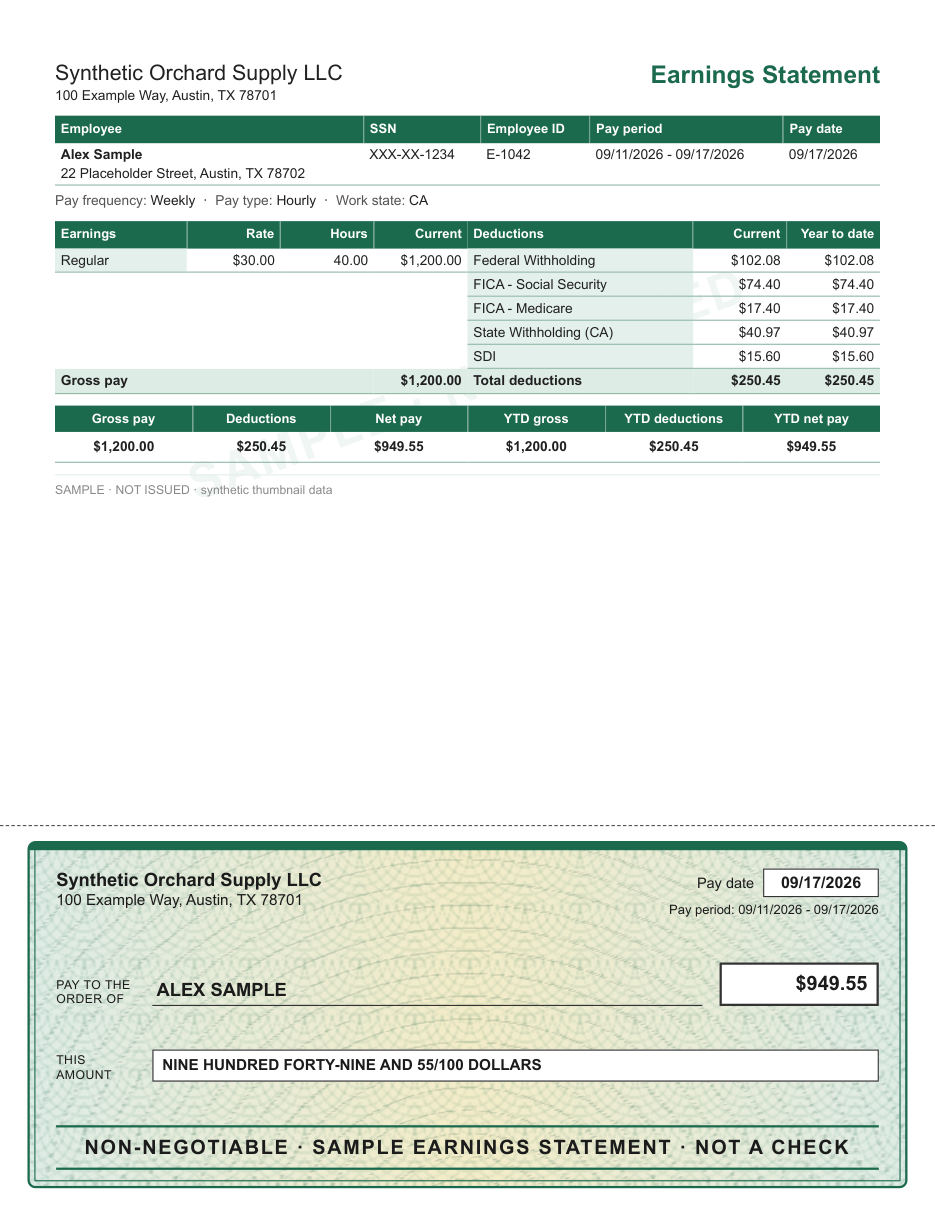
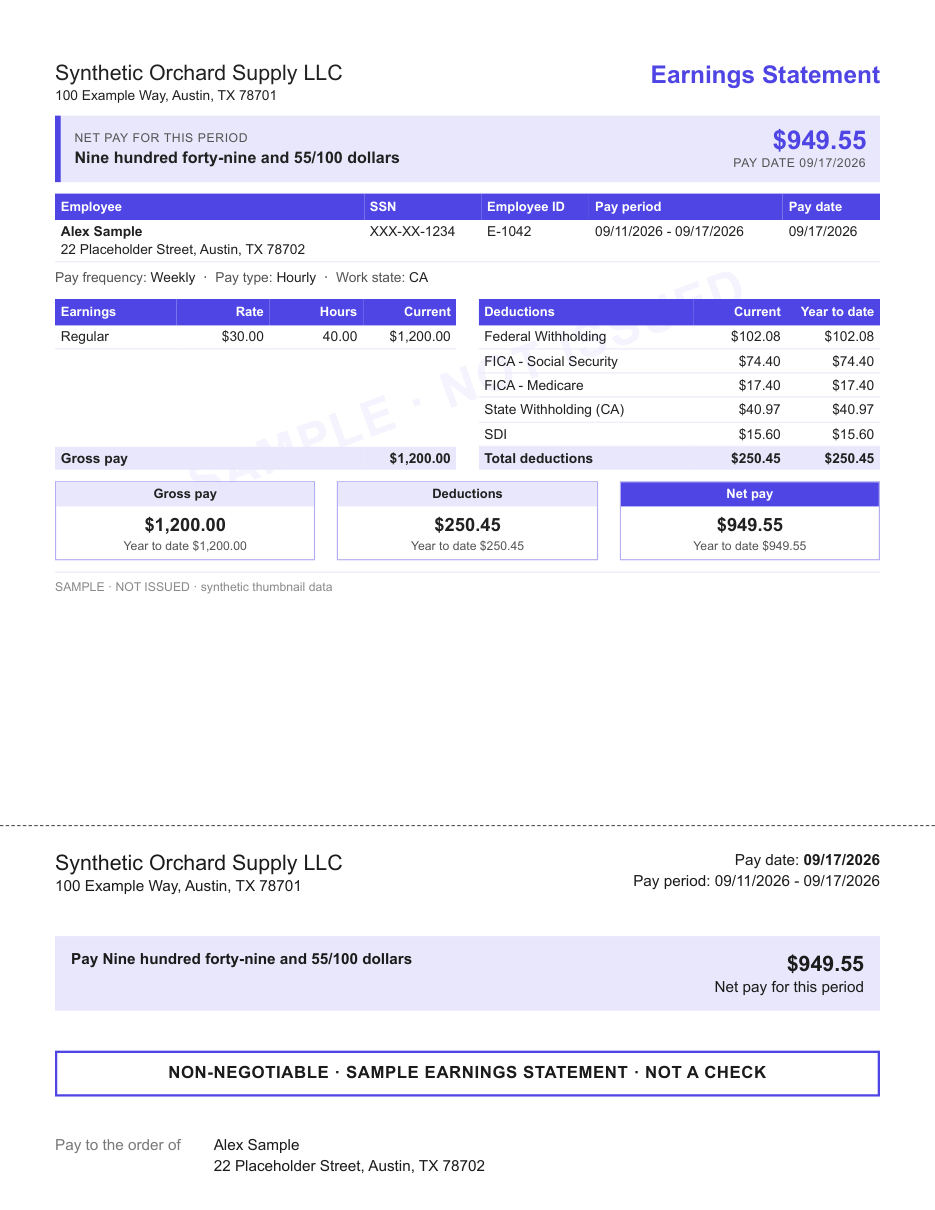
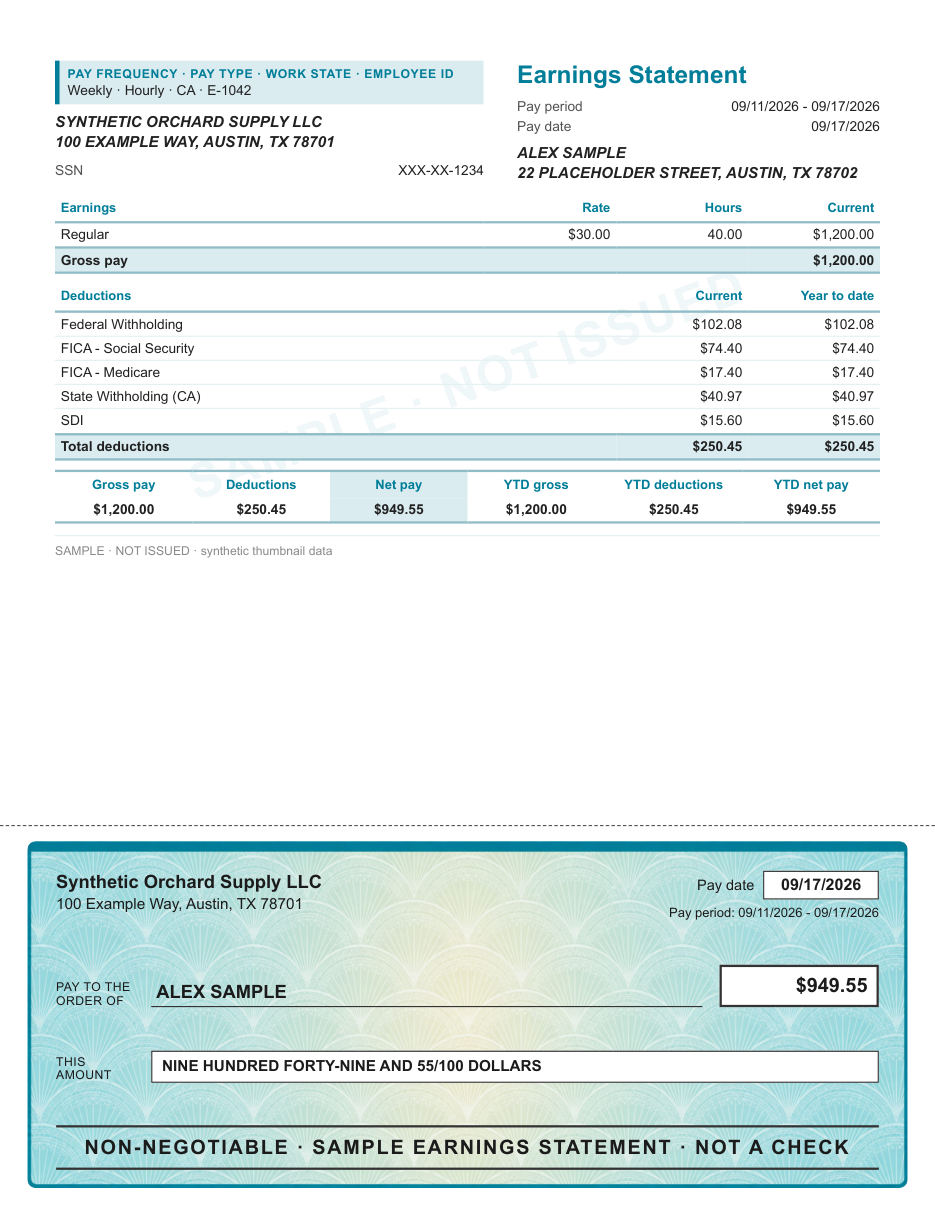
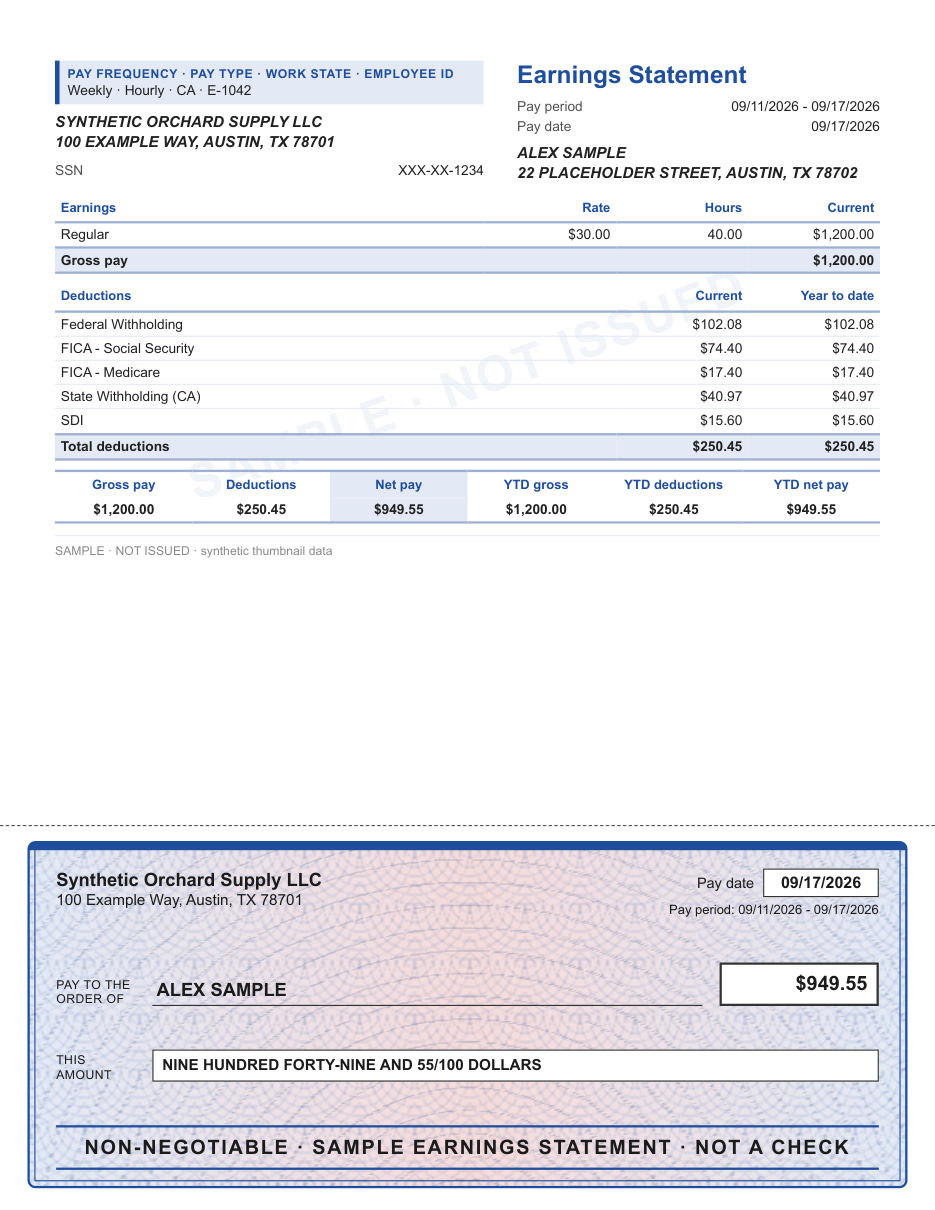
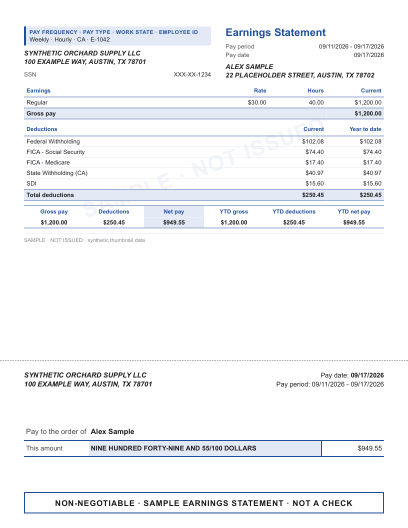
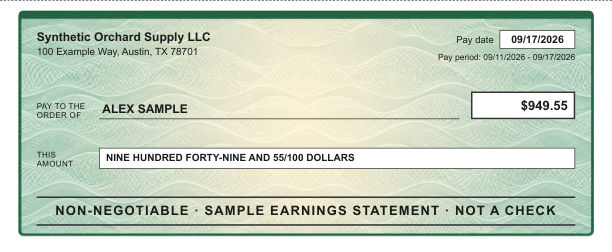
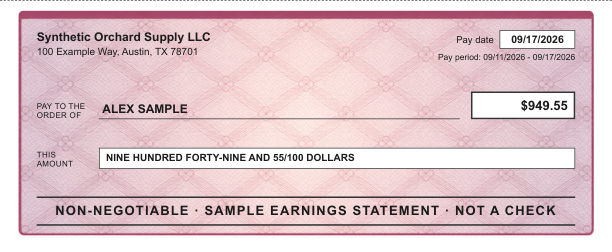
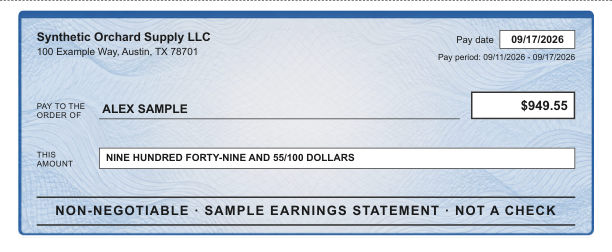
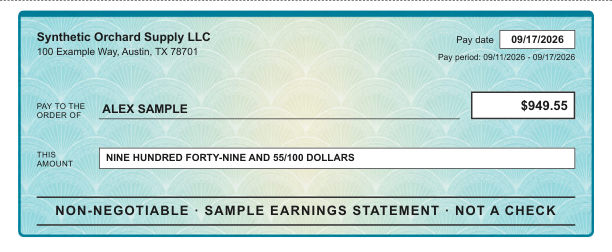
Two layouts always include the decorative check area: one with illustrated backgrounds, one with a security-style tint.
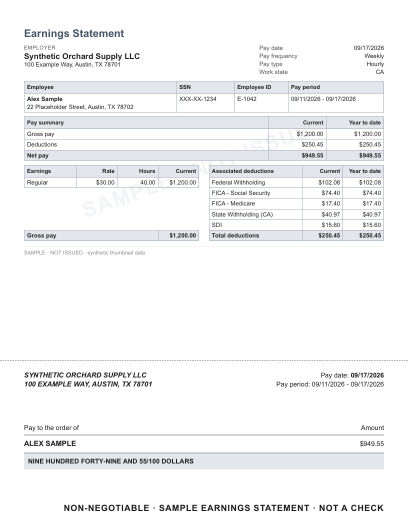
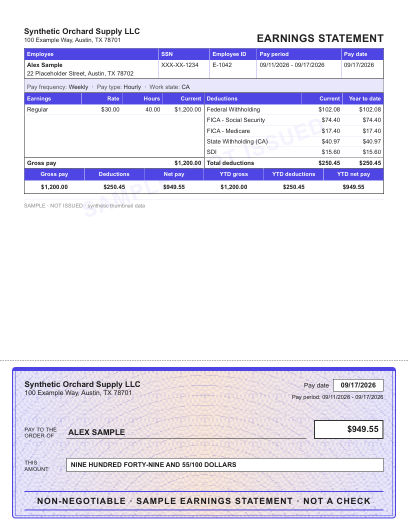
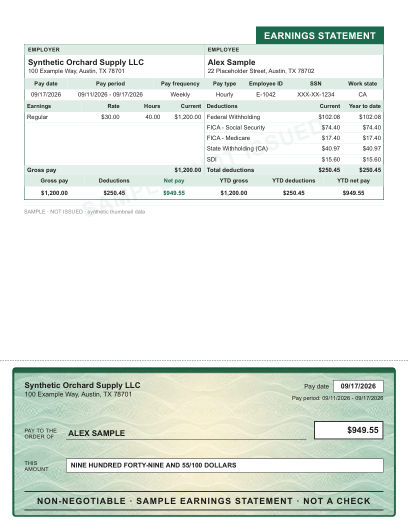
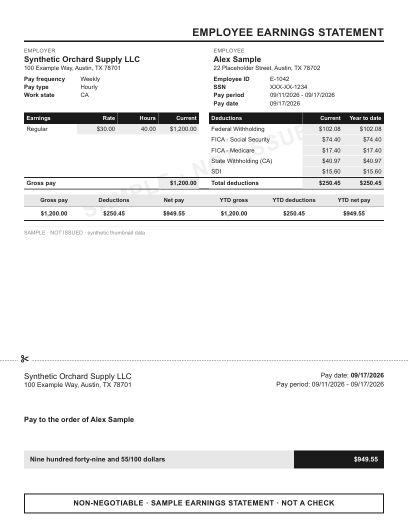
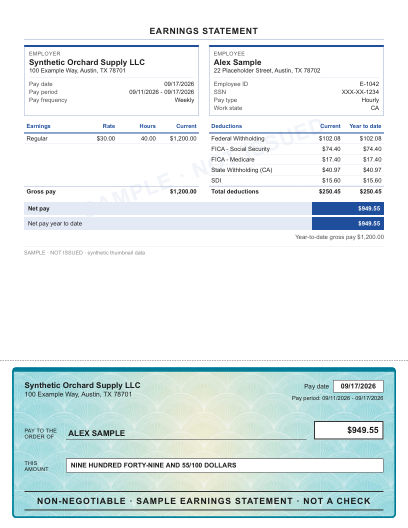
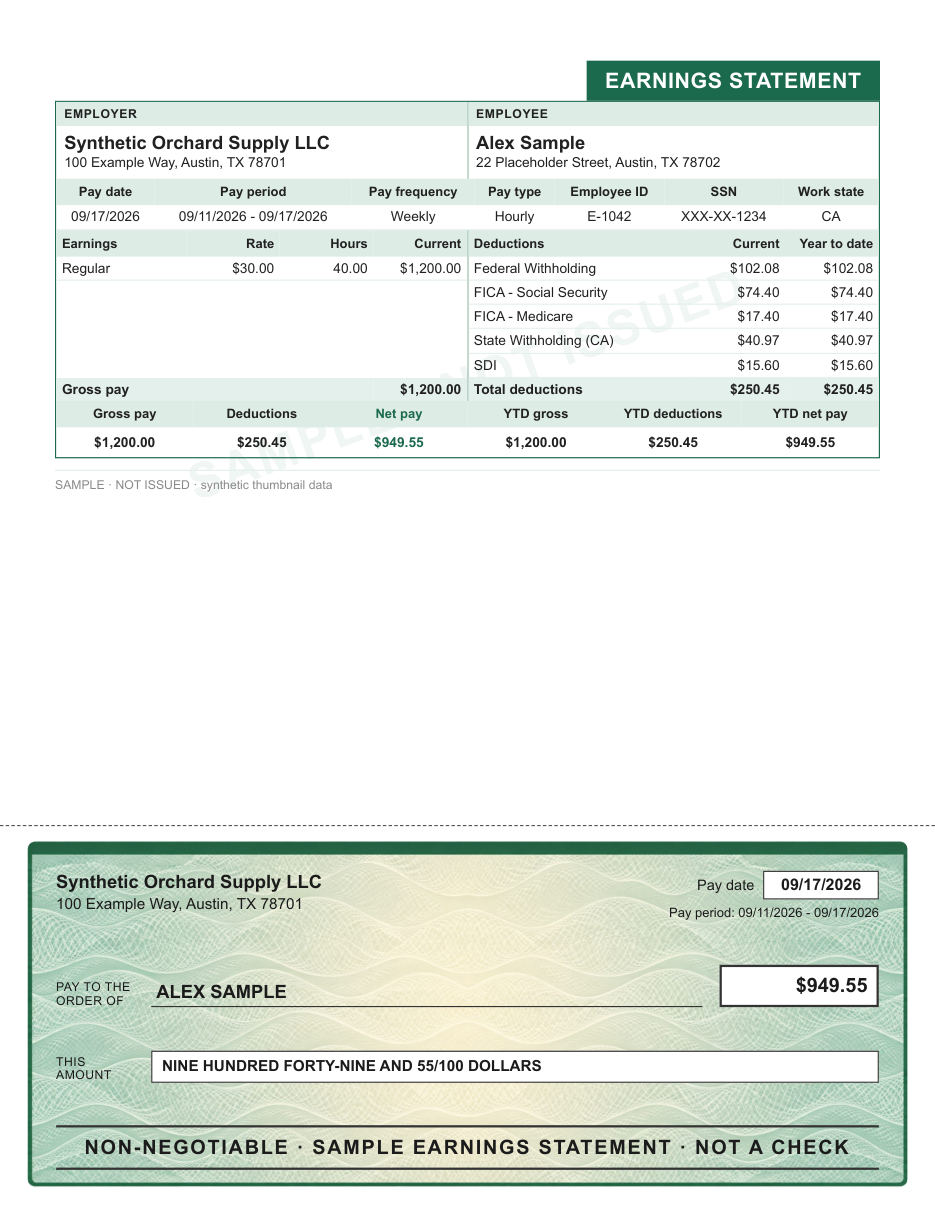
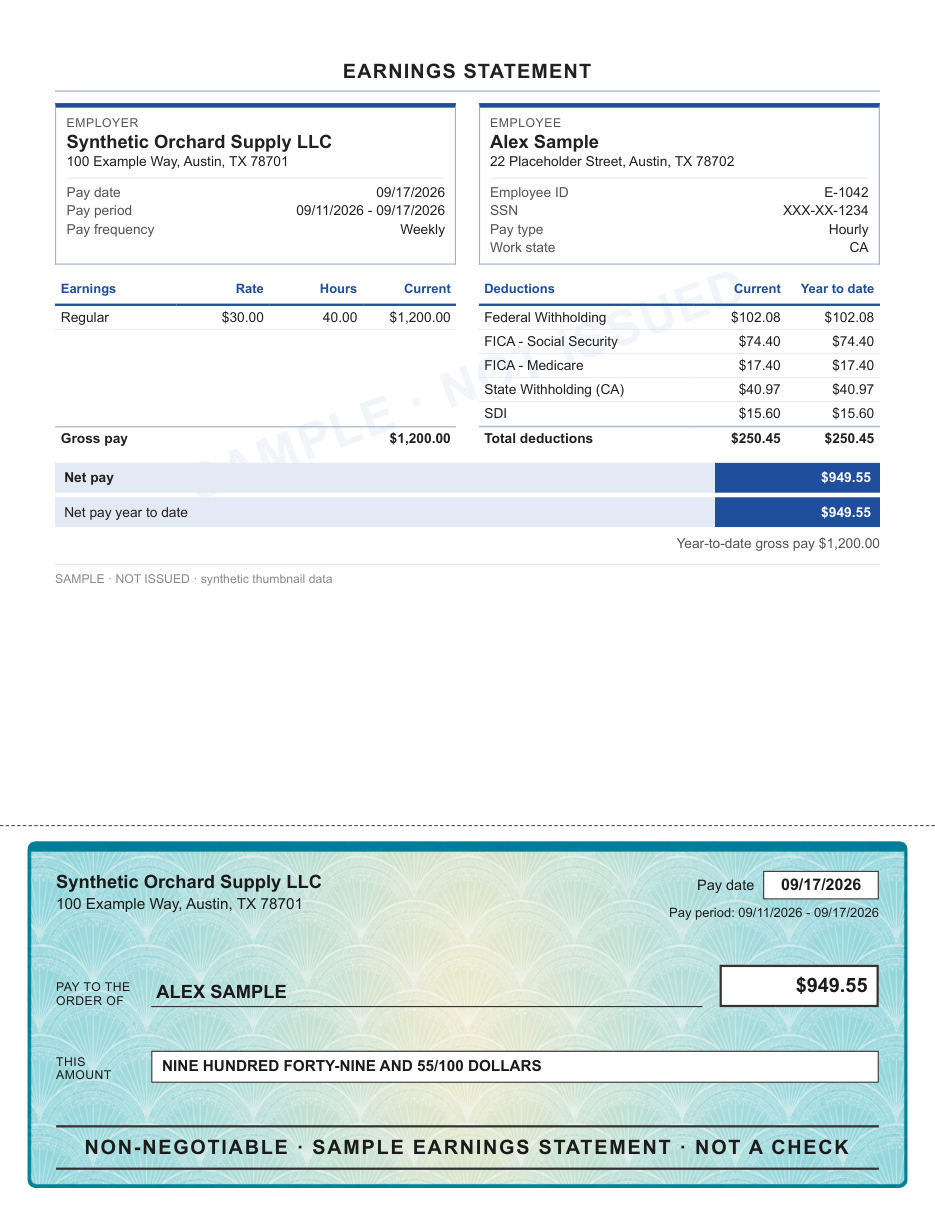
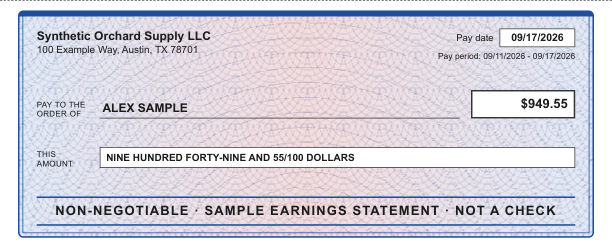
A ruled pay stub above a decorative check area with an illustrated background.
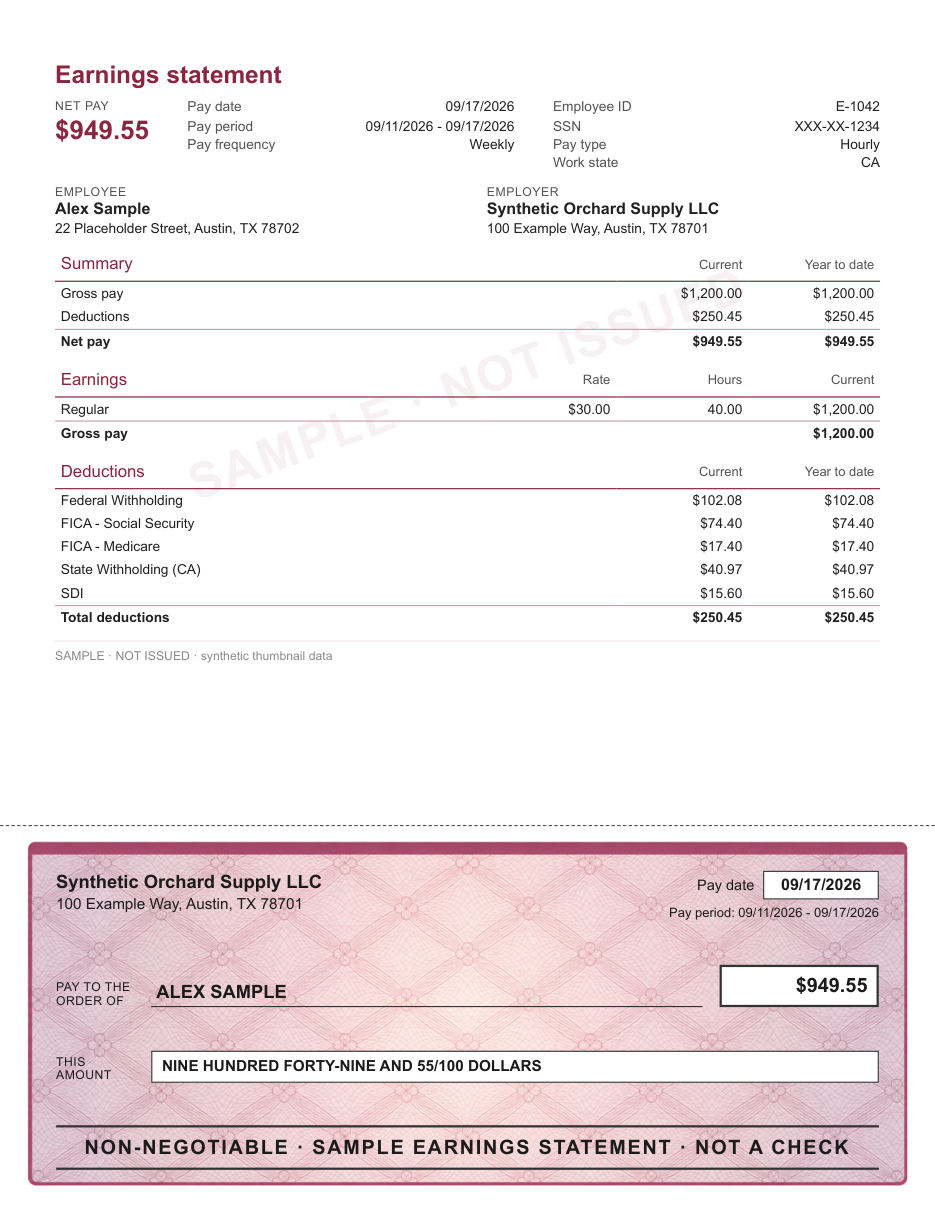
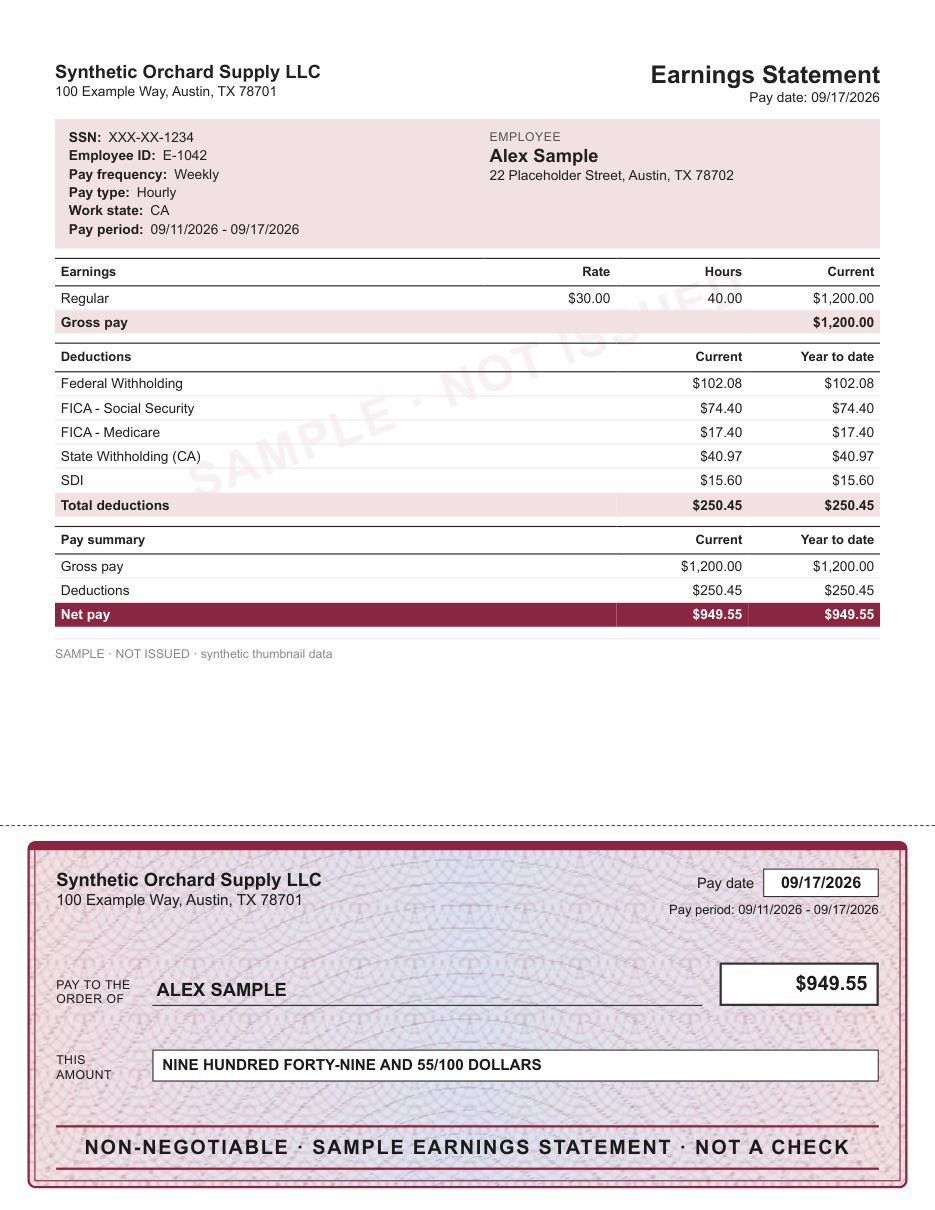
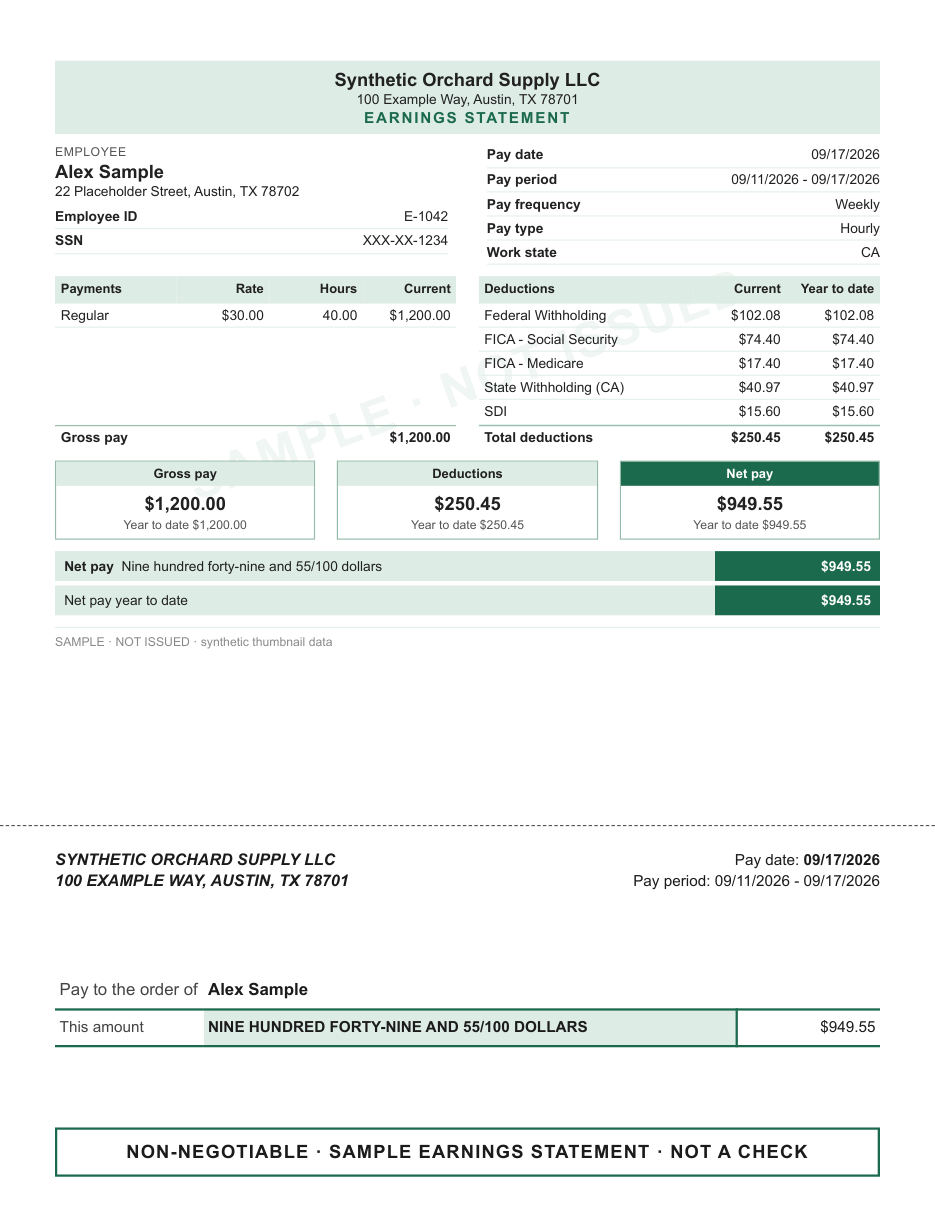
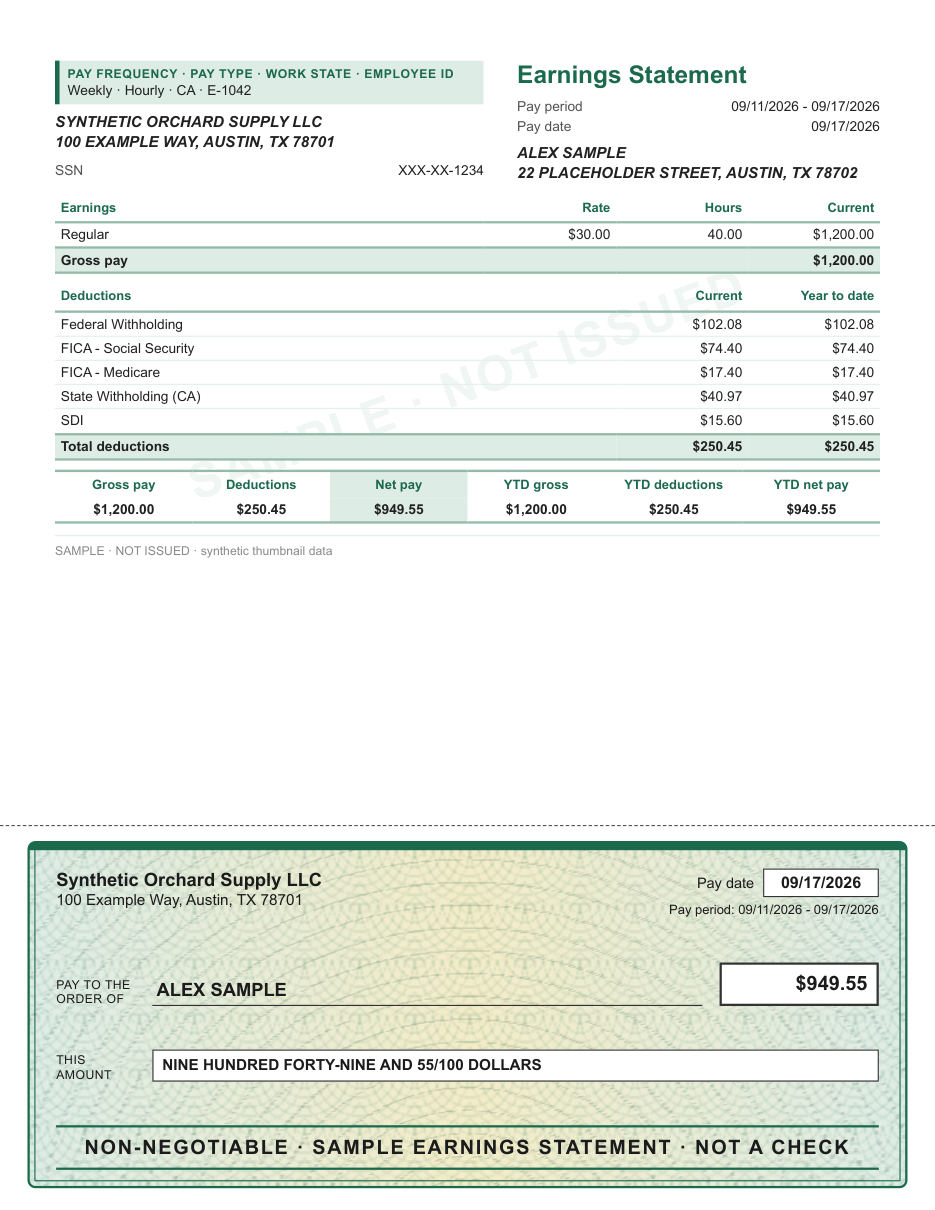
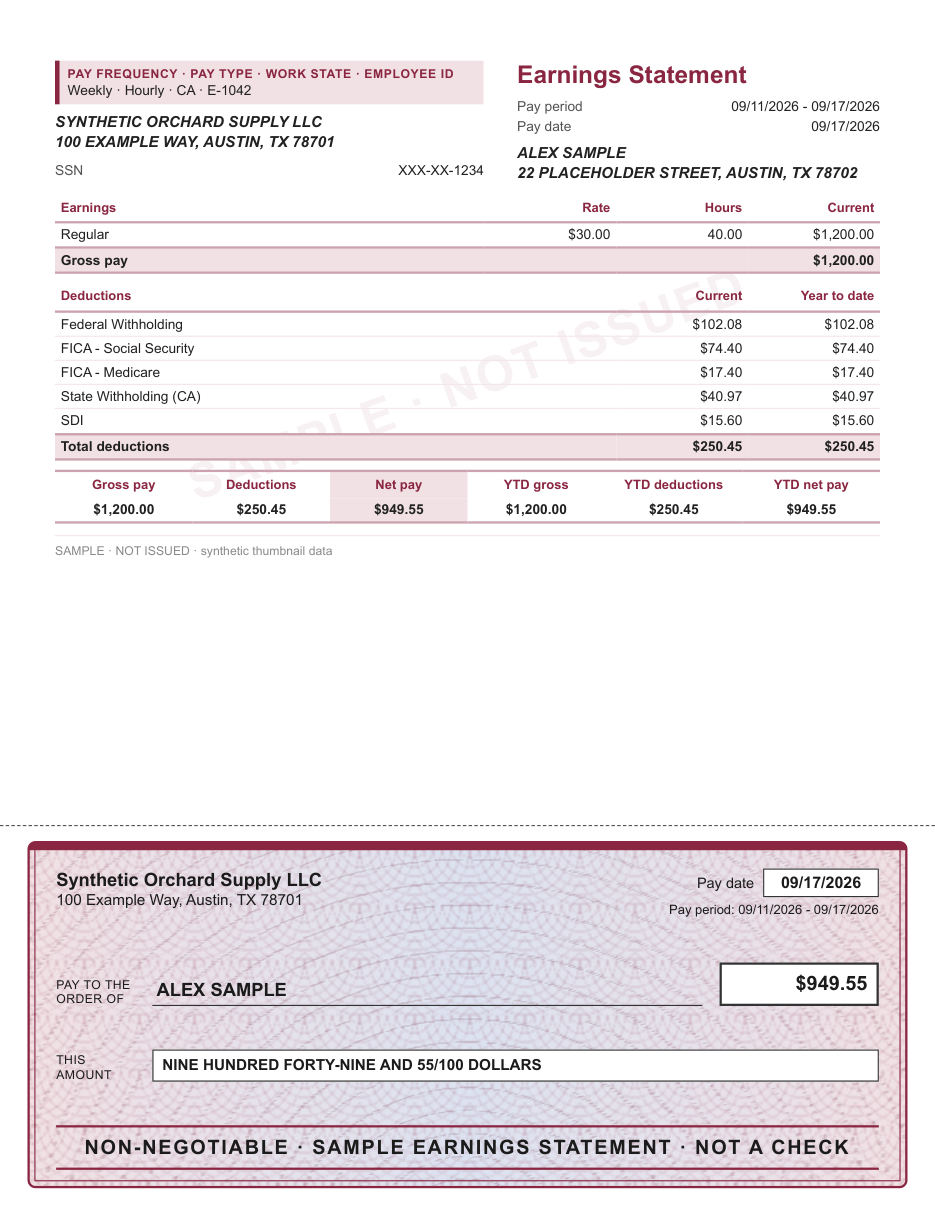
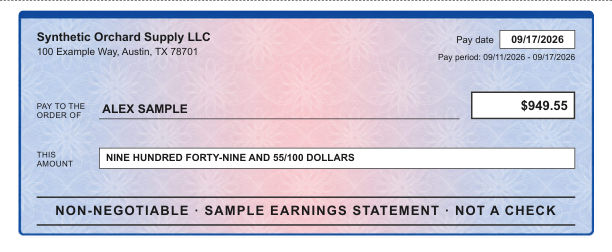
A ruled pay stub above a decorative check area with a fine security-style tint.
Check area styles
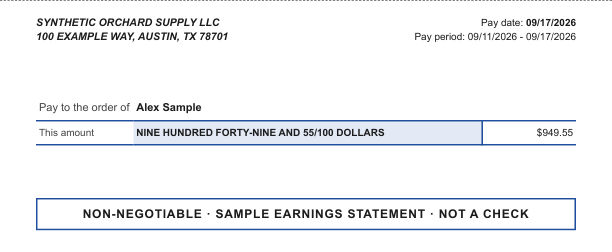
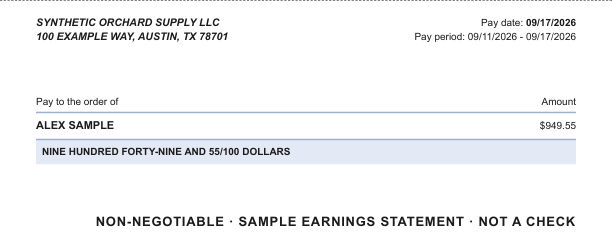
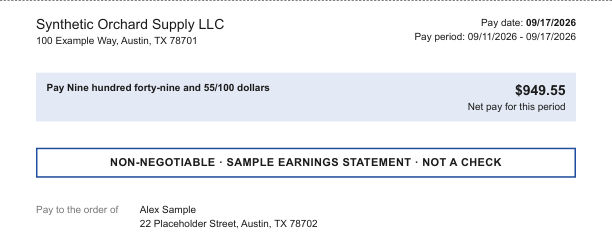
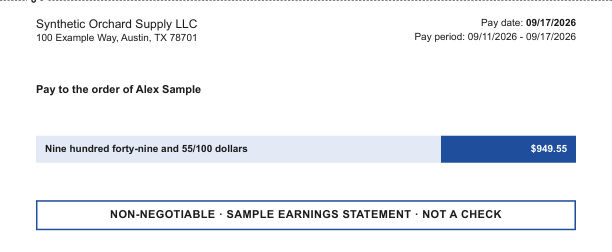
The check area is a design element on the pay record. It is marked NON-NEGOTIABLE, it is not a check, and it cannot be cashed or deposited. It shows no bank name, no routing or account number and no signature.
Tax forms
Year-end forms follow the official box numbering, so there is one layout for each form and tax year. The samples below are recipient copies filled with made-up data.
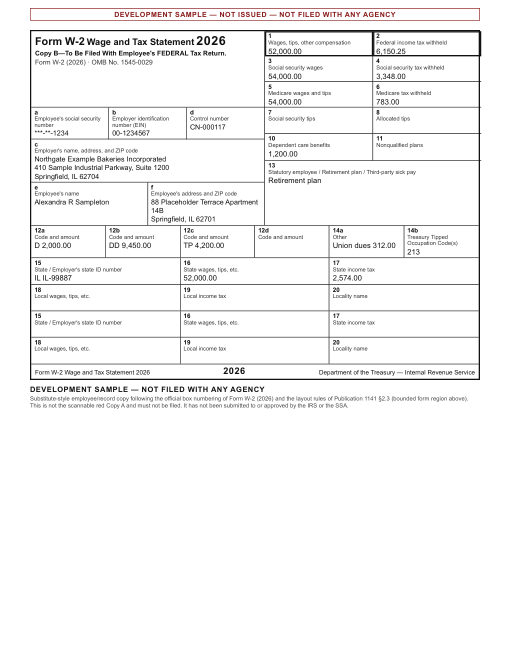 Select to see it larger
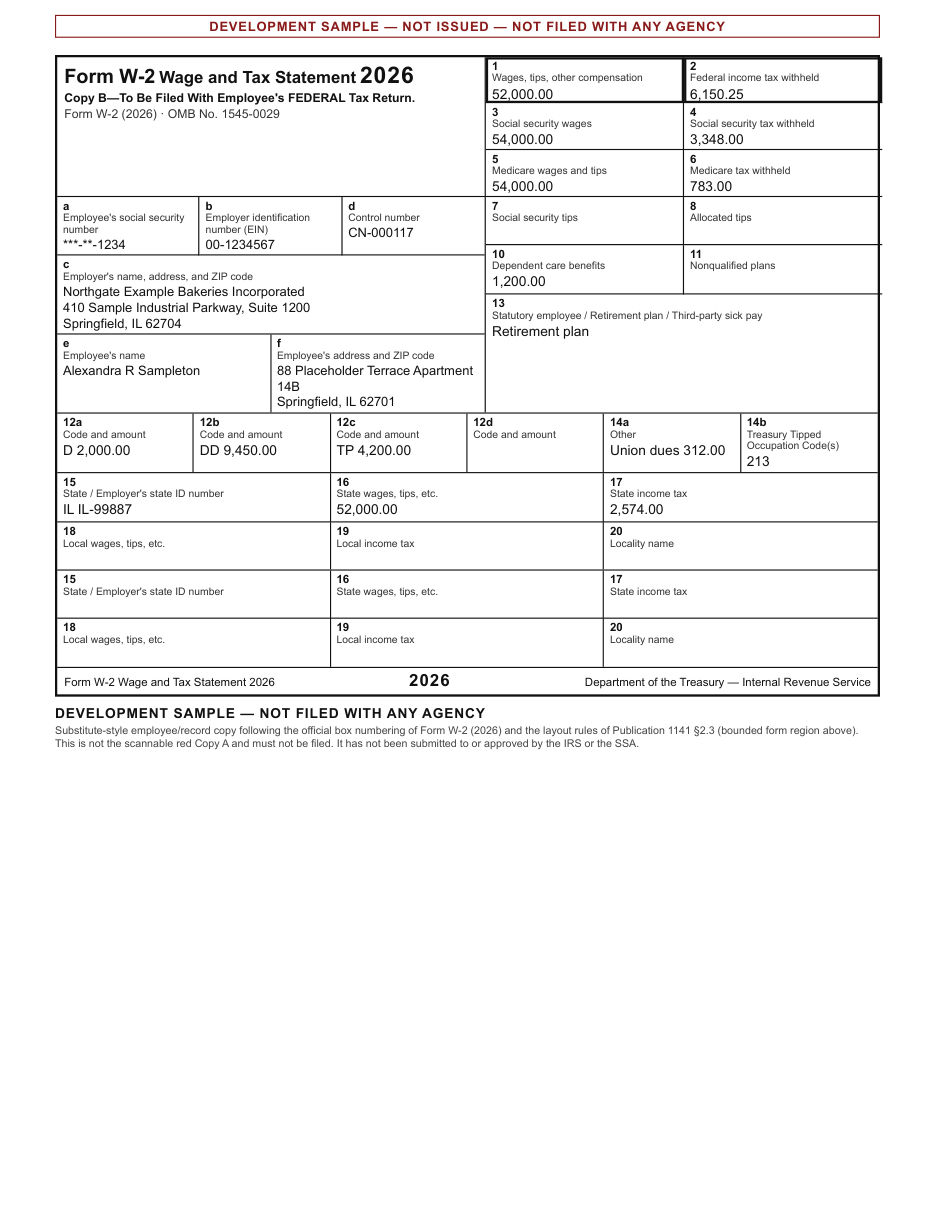
The employee copies of Form W-2, laid out box by box: the numbered wage and tax boxes, Box 12 codes, and state and local lines.
Tax years 2021–2026. PayStubsKit prepares these copies as a PDF. It does not file with the IRS or the Social Security Administration.
About the W-2 generator →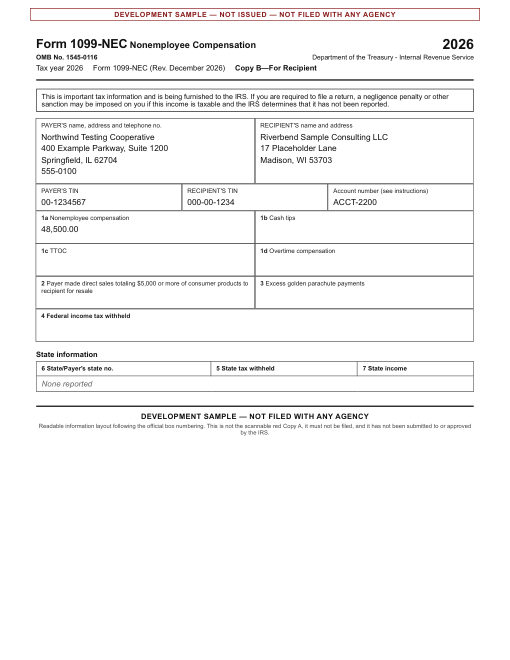 Select to see it larger
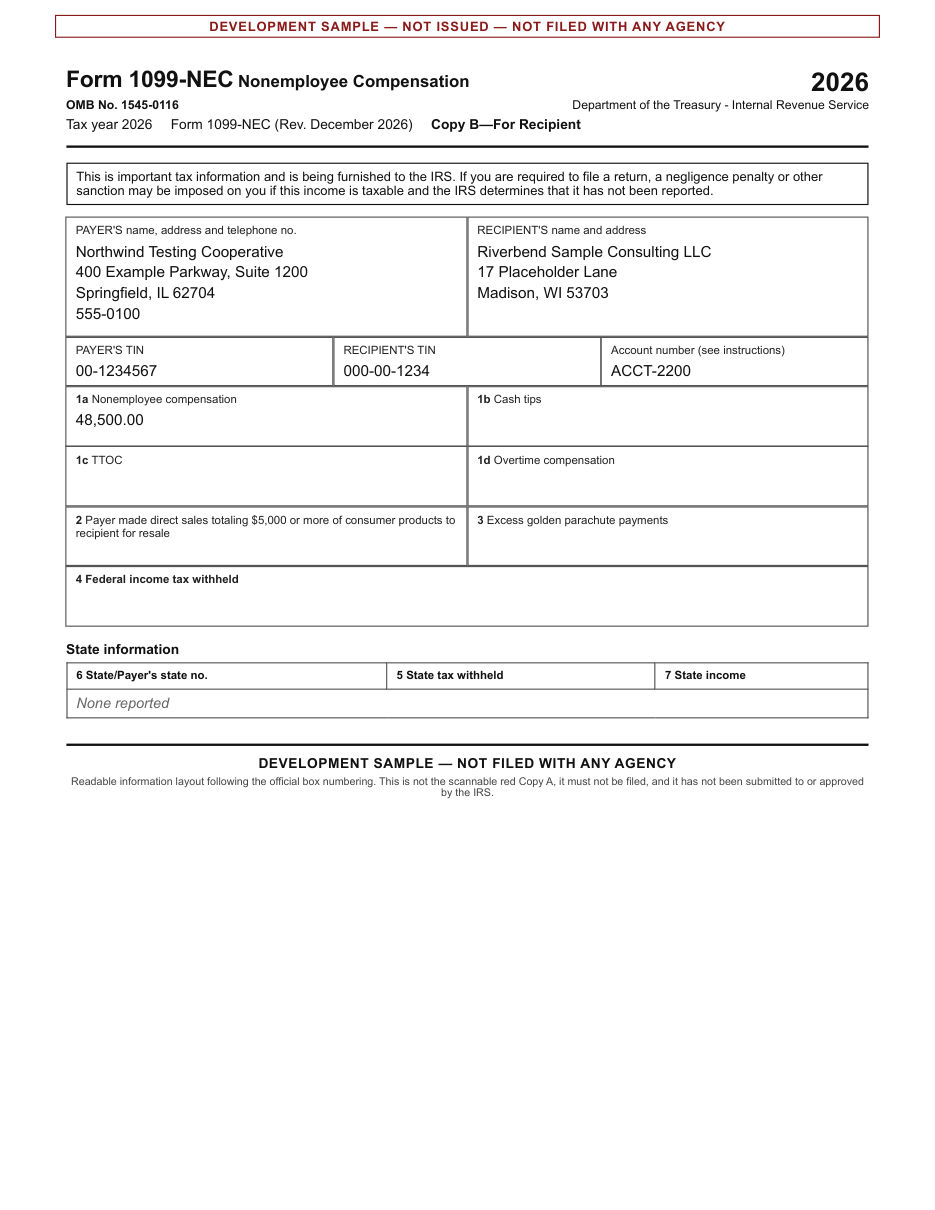
The recipient copy of Form 1099-NEC, for payments a business made to an independent contractor.
Tax years 2021–2026. PayStubsKit prepares these copies as a PDF. It does not file with the IRS or the Social Security Administration.
About the 1099-NEC generator →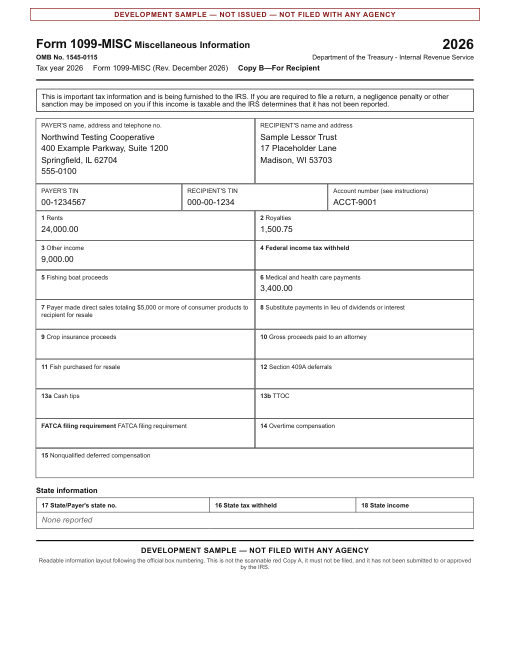 Select to see it larger
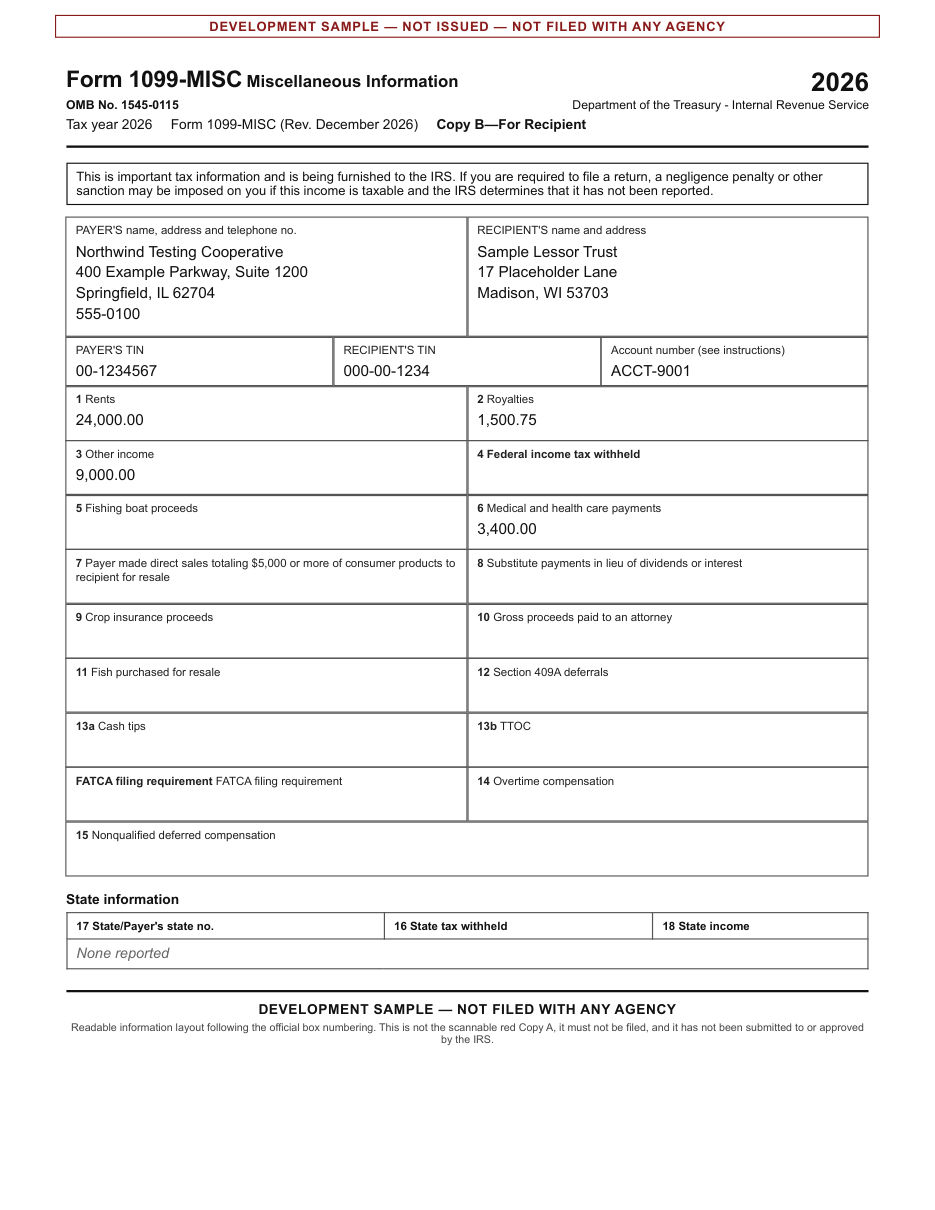
The recipient copy of Form 1099-MISC, for other reportable payments such as rent or prizes.
Tax years 2021–2026. PayStubsKit prepares these copies as a PDF. It does not file with the IRS or the Social Security Administration.
About the 1099-MISC generator →A W-2 is prepared by the employer and a 1099 by the payer. PayStubsKit prepares the copies you give to your employee or contractor. The official Copy A that goes to the Social Security Administration or the IRS is filed separately, electronically or on the official red-ink form.
On every pay stub layout
Your business name and address at the top of the stub, with your logo if you add one.
The name and address of the person paid, with the pay period and pay date.
Hours and rate or salary, with gross pay for the period and for the year to date.
Each tax and deduction on its own line, with current and year-to-date amounts, and net pay.
Colors
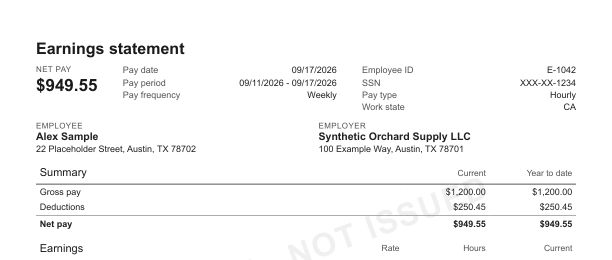
A template decides how a pay stub is laid out. The figures come from the pay details you enter, and they should match what your business actually paid. PayStubsKit layouts do not imitate any bank, payroll provider or employer.
Questions
No. Every pay stub layout shows the same figures. The layout only changes how they are arranged and colored.
Yes. You can add your logo when you create a pay stub, and choose the layout and color that suit your business.
No. It is a decorative part of the pay record, marked NON-NEGOTIABLE. It cannot be cashed or deposited, and it carries no bank name, routing or account number, or signature.
Those forms follow the official box numbering for each tax year, so their layout is fixed. Pay stubs have no official format, which is why there are several layouts to choose from.
That is their decision. A document made here records what your business paid; we cannot promise that any third party will accept it.
Choose a document. You can preview it before you pay.
FREE TO PREVIEW